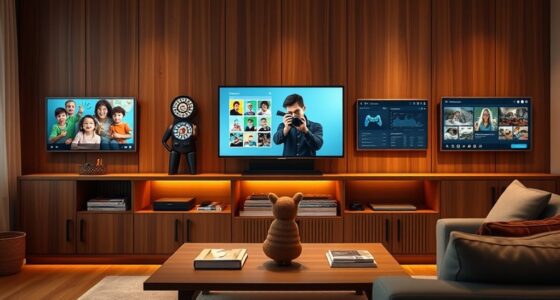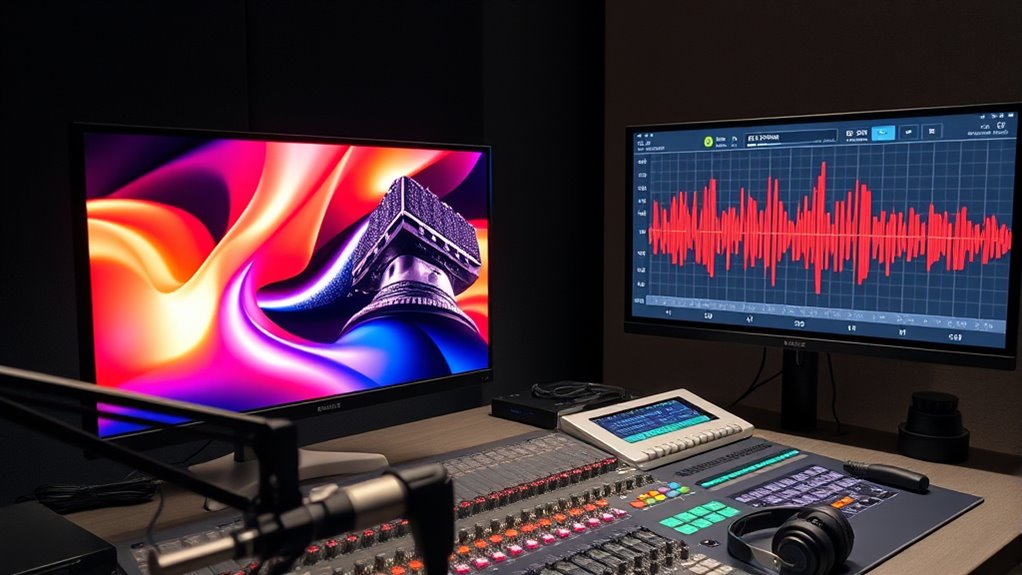

Streaming audio separately from video lets you customize your listening experience by adjusting audio settings or switching streams without affecting the visuals. It improves sound quality using advanced codecs like AAC or Opus and offers more control over audio independence. While keeping audio and video synchronized can be tricky, techniques like buffer adjustments help. If you want to explore how this enhances your media experience further, there’s more to discover below.
Key Takeaways
- Streaming audio separately allows for personalized audio settings and improved sound quality with different codecs.
- Synchronization techniques like buffer adjustments and timestamp management ensure audio-video alignment during separate streams.
- Choosing efficient codecs such as AAC, MP3, or Opus reduces latency and buffering issues for smoother playback.
- Independent audio streaming enhances user experience by enabling multitasking, muting, or adjusting audio without affecting video.
- Proper synchronization guarantees seamless playback, preventing lip-sync issues and ensuring a satisfying viewing and listening experience.
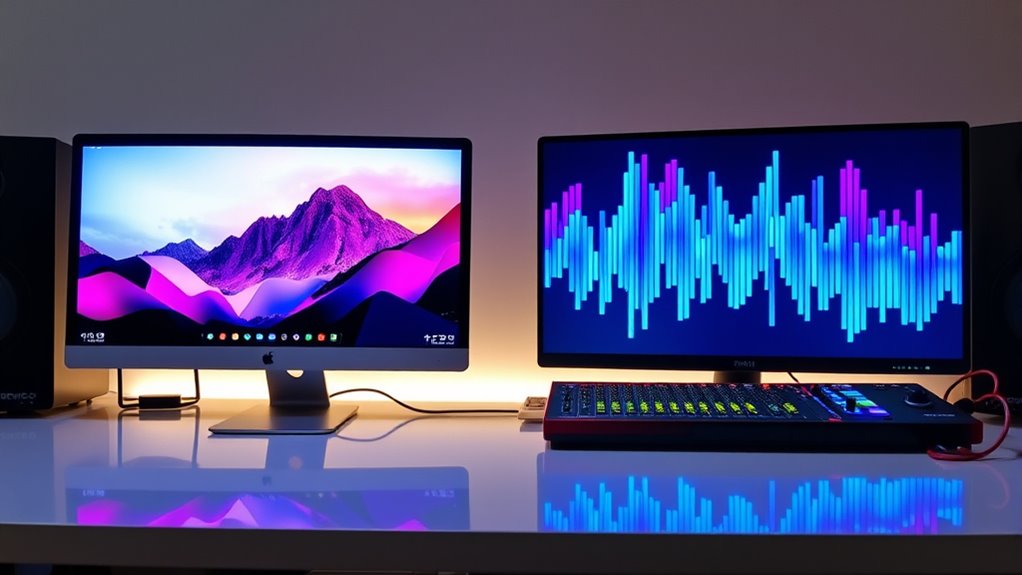
Streaming audio separately from video has become increasingly popular, especially for users who want more control over their listening experience. This approach allows you to customize audio settings, choose different audio codecs, or even switch between multiple audio streams without affecting the video playback. It’s particularly useful in scenarios where you want to improve sound quality or avoid distractions from the video content itself. When you stream audio independently, you can prioritize high-fidelity audio codecs that deliver better sound clarity, such as AAC or Opus, rather than relying on the default audio tracks embedded within the video file. This flexibility guarantees your listening experience is optimized for your preferences.
Streaming audio separately offers enhanced control, better sound quality, and customization options for a personalized listening experience.
One of the main challenges with streaming audio separately from video lies in maintaining proper video synchronization. If the audio and video aren’t perfectly aligned, you might notice lip-sync issues or audio lag, which can disrupt your viewing experience. To prevent this, streaming platforms and players often implement synchronization techniques that keep audio and video tightly in sync, regardless of whether they’re streamed separately or together. These methods include buffer adjustments and timestamp management, which ensure that as you listen to high-quality audio tracks, they stay perfectly synchronized with the video.
Choosing the right audio codecs plays a pivotal role in how well your audio streams perform during separation. Efficient codecs like AAC, MP3, or Opus not only provide excellent sound quality but also reduce buffering and latency issues, helping you enjoy smoother playback. When streaming audio separately, you might have the option to select different codecs or bitrates, depending on your network speed and device capabilities. This allows you to balance audio quality with connection stability, especially if you’re on a slower network or using a device that supports specific codecs.
Furthermore, streaming audio separately can give you more control over the user experience. You can, for instance, mute the video or watch it at a lower resolution while still enjoying high-quality audio. This setup is ideal for listening to music, podcasts, or commentary tracks while navigating other content or multitasking. It also enhances accessibility, as you can choose audio streams that better suit your hearing preferences or language needs, independent of the video. Additionally, advanced audio codecs play a crucial role in maintaining high sound fidelity during separation, ensuring that your audio remains clear and detailed even at lower bitrates. Overall, by understanding how audio codecs and video synchronization work together, you can tailor your streaming experience to be more satisfying, seamless, and personalized.
![[Built-in Apps/4K Support] Smart Outdoor Projector with WiFi and Bluetooth, Movie Projector, DoIby Audio with Dual Speaker, Auto Focus w/ YouTube&PrimeVideo Proyector, Upgrad P62 Pro](https://m.media-amazon.com/images/I/51yAGv8VI7L._SL500_.jpg)
[Built-in Apps/4K Support] Smart Outdoor Projector with WiFi and Bluetooth, Movie Projector, DoIby Audio with Dual Speaker, Auto Focus w/ YouTube&PrimeVideo Proyector, Upgrad P62 Pro
[Upgraded Classic – P62 Pro Movie Projector] Building on the reliability and low return rate of the classic...
As an affiliate, we earn on qualifying purchases.
Frequently Asked Questions
Can Streaming Audio Be Synchronized With Live Video Broadcasts?
Yes, you can synchronize streaming audio with live video broadcasts. To do this, you need to manage audio delay settings, adjusting the audio feed to match the lip sync with the video. Many streaming platforms and equipment offer tools to fine-tune this synchronization, helping you eliminate lag or mismatch issues. By carefully controlling the audio delay, you guarantee a seamless viewing experience where audio and video stay perfectly aligned.
What Are the Best Tools for Separate Audio Streaming?
Think of your audio stream as a soloist in a grand symphony—you want it to shine on its own. For separate audio streaming, you should explore tools like OBS Studio with advanced audio editing features, or professional platforms like Mixlr and Icecast that excel with streaming protocols. These tools give you control, ensuring your audio stands clear and crisp, perfectly synchronized when needed, like a maestro conducting a flawless performance.
How Does Bandwidth Affect Separate Audio and Video Streams?
Bandwidth directly impacts your ability to stream audio and video separately without issues. Limited bandwidth causes higher audio latency, resulting in delays that disrupt synchronization. To prevent this, you need bandwidth optimization techniques, ensuring enough capacity for both streams. When bandwidth is sufficient, you enjoy smooth, synchronized playback, but if it’s constrained, expect lag, buffering, and poor quality. Managing your bandwidth effectively keeps your separate streams clear and well-coordinated.
Is It Possible to Stream Audio in Different Formats From Video?
Yes, you can stream audio in different formats from video, especially when using separate streams. Imagine a playlist where your audio uses AAC for clarity while the video streams in MP4; this is possible through proper audio encoding and format compatibility. By ensuring your streaming setup supports multiple formats, you gain flexibility, allowing viewers to enjoy high-quality audio tailored to their devices without affecting the video stream.
What Are Common Challenges When Streaming Audio Separately?
You’ll face challenges like audio latency, which can cause delays and disrupt synchronization with video. Format compatibility is also a common issue; not all devices support the same audio formats, leading to playback problems. To minimize these issues, guarantee your streaming setup uses compatible formats and optimize your network to reduce latency. Regular testing and adjustments help maintain smooth, synchronized audio and video streams.

4K Projector with Built-in Apps, 1500ANSI Auto Focus&6D Keystone Dolby Audio Kogata Smart Projector with WiFi 6 Bluetooth Outdoor Movie Proyector for Home Theater HDR10+ UPGRADE
【UPGRADE Version】Unlimited Streaming –Compatible with Netflix & Dolby Audio& DTS Audio: The Kogata GC357 home projector comes with...
As an affiliate, we earn on qualifying purchases.
Conclusion
Now that you know how to stream audio separately from your video, you’re revealing a secret weapon that could transform your entire streaming game. Imagine engaging your audience so vividly they can’t look away, with crystal-clear sound that hits them like a tidal wave of clarity. Don’t settle for boring, generic streams—stand out by mastering this technique! Get ready to blow minds and elevate your content to legendary status. The future of streaming is in your hands—go conquer it!

HAPPRUN Native 1080P Projector, Bluetooth Home Theater Movie Projector with Built-in Speaker, Compatible with Smartphone, HDMI, Fire Stick, PS5, Indoor & Outdoor Use - Without Google TV System
[ Native 1080P Full HD Resolution ] - Enjoy crystal-clear visuals with HAPPRUN H1's native 1920x1080 resolution, delivering...
As an affiliate, we earn on qualifying purchases.
![[Officially-Licensed App & Auto Focus]White Smart Mini Projector with WiFi and Bluetooth, XuanPad 4K Support Movie Projector, Portable Native 1080P Outdoor Projector with 360° Stand](https://m.media-amazon.com/images/I/51I8uy-U8bL._SL500_.jpg)
[Officially-Licensed App & Auto Focus]White Smart Mini Projector with WiFi and Bluetooth, XuanPad 4K Support Movie Projector, Portable Native 1080P Outdoor Projector with 360° Stand
Exciting Moments Begin - The XuanPad mini projector compatible with Netflix for the ultimate viewing experience.No extra devices...
As an affiliate, we earn on qualifying purchases.