
When evaluating projector noise levels, consider how the cooling system and sound insulation impact quiet operation. Well-designed cooling manages heat efficiently, often allowing fans to run at lower speeds and produce less noise. Sound-dampening materials and strategic airflow design further reduce internal sound escape. Some models feature specialized noise-reduction technology or sound-insulating enclosures, making them ideal for quiet environments. Keep exploring to discover how these features can enhance your viewing experience.
Key Takeaways
- Effective cooling systems manage heat efficiently, reducing the need for high fan speeds and lowering noise output.
- Sound insulation and dampening materials contain internal noise, preventing loud fan sounds from reaching users.
- Fan speed regulation, based on temperature, balances cooling performance with noise reduction.
- Design elements like airflow pathways and vent placement influence noise levels and cooling efficiency.
- Some projectors feature quiet modes and sound-insulating enclosures to minimize noise during operation.
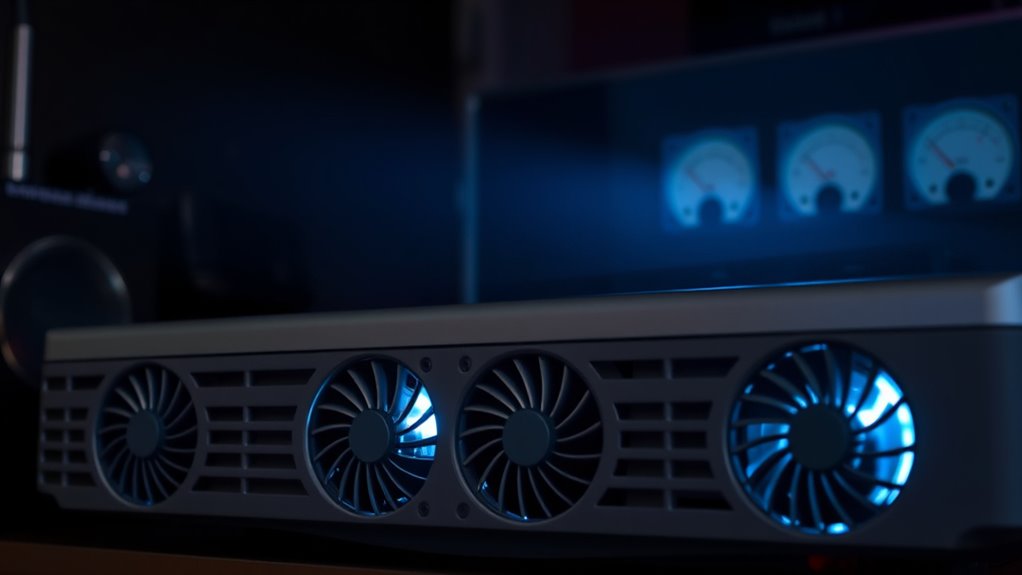
When choosing a projector, one important factor to contemplate is its noise level, which can considerably impact your viewing experience. A loud projector can be distracting and diminish the enjoyment of movies, presentations, or gaming sessions. To minimize disturbances, consider how well the projector’s cooling system manages heat, especially through sound insulation and fan speeds. Good sound insulation helps contain the noise generated by internal components, preventing it from seeping out and reaching your ears. Some projectors are designed with sound-dampening materials inside, which absorb vibrations and reduce overall noise output. This feature is especially beneficial if you plan to use the projector in quiet environments like home theaters or professional settings where silence is appreciated.
Fan speeds play a vital role in controlling noise levels. Most projectors automatically adjust their fan speeds based on the internal temperature, but the efficiency of this process varies by model. When a projector’s fan runs at higher speeds, it produces more noise, often sounding like a constant whirr or hum. Conversely, lower fan speeds generate less noise, but they might compromise cooling efficiency, risking overheating if the device isn’t properly ventilated. The ideal projector strikes a balance: it maintains adequate cooling while keeping noise at a minimum. Some advanced projectors offer customizable fan settings, giving you the flexibility to select quieter operation modes for casual viewing or more aggressive cooling modes for extended use or high-brightness settings.
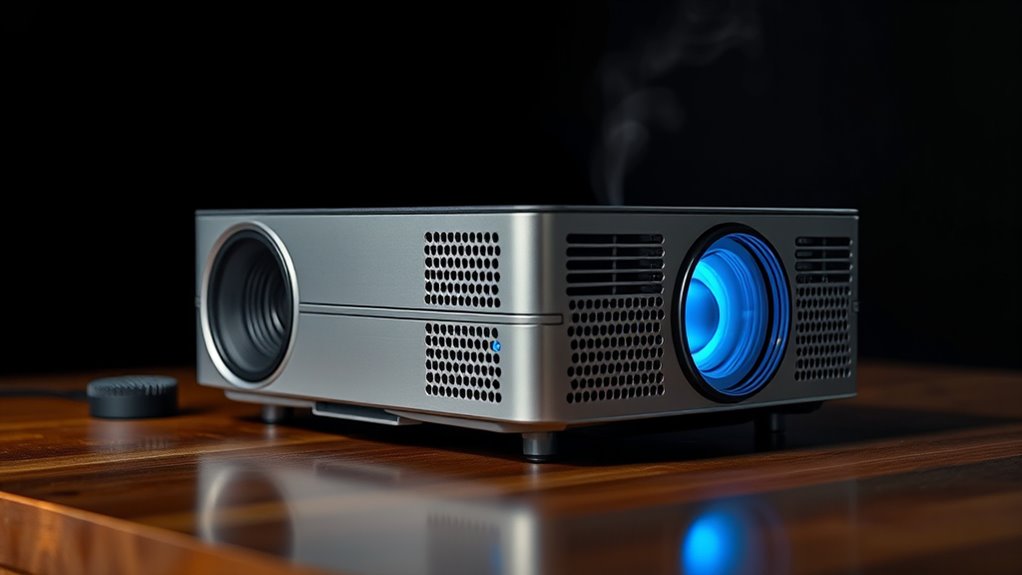
Additionally, the design of the cooling system influences sound insulation and fan performance. Projectors with well-designed vents and strategic airflow paths tend to operate more quietly because they don’t require the fans to spin as fast to dissipate heat. Be mindful of the placement; placing the projector in a well-ventilated area can also facilitate better airflow, reducing the need for high fan speeds and lowering noise levels. If noise is a primary concern, look for models that explicitly advertise low-noise operation or feature quiet fan technology. These often incorporate sound-insulating enclosures or noise-reduction engineering, which make a noticeable difference during prolonged use. Efficient cooling systems also contribute to quieter operation by optimizing airflow and heat dissipation.
Frequently Asked Questions
How Do Ambient Temperature and Humidity Affect Projector Noise?
Ambient temperature and humidity directly impact your projector’s noise levels. Higher temperatures cause the fan to run faster, increasing noise, while good sound insulation can reduce the perceived noise. Humidity can affect cooling efficiency, prompting the fan to work harder. To minimize noise, guarantee proper ventilation and maintain ideal temperature and humidity levels. Adjusting fan speed accordingly helps keep noise levels lower while maintaining cooling performance.
Are Quieter Projectors More Prone to Overheating?
Yes, quieter projectors can be more prone to overheating. While silent operation relies on advanced cooling technology, it sometimes sacrifices airflow, risking higher temperatures. You might enjoy a quieter experience, but be aware that innovative cooling systems are essential to prevent overheating. Balance is key—seek projectors with effective cooling tech that minimizes noise without compromising performance or safety.
What Maintenance Can Reduce Projector Noise Levels?
To reduce your projector’s noise levels, you should focus on maintenance like improving noise insulation around the device and adjusting fan speed settings. Regularly clean dust from vents and filters to keep airflow smooth, which helps the fan operate quietly. Additionally, lowering the fan speed during less demanding tasks can cut noise without overheating your projector, ensuring it runs efficiently and quietly.
Do Different Projector Brands Have Varying Noise Specifications?
Yes, different projector brands have varying noise specifications, influenced by their reputation for quality and adherence to noise measurement standards. You’ll find that some brands prioritize quieter operation, often using advanced cooling systems, while others may not focus as much on noise reduction. When choosing a projector, consider the brand’s reputation for noise control and check their noise measurement standards to guarantee a quieter experience, especially in noise-sensitive environments.
How Does Projector Placement Impact Perceived Noise Levels?
Your projector placement considerably impacts perceived noise levels. If you mount it in a soundproof enclosure or hide it behind a screen, you’ll notice less noise. Using mounting options that keep the projector off the floor or away from your seating area also helps. Proper placement minimizes the noise reaching your ears, creating a more comfortable viewing experience. Just guarantee the cooling system isn’t obstructed, so the projector stays cool and quiet.
Conclusion
When choosing a projector, don’t overlook noise levels and cooling systems—they can make or break your viewing experience. While some models run quietly and efficiently, others might turn your space into a noisy chaos. Remember, the devil is in the details, so do your homework to find a unit that balances performance with peace and quiet. After all, it’s better to have a projector that’s as silent as a whisper rather than one that’s all bark and no bite.