
Many people confuse gamut with coverage, thinking they’re the same, but coverage measures how much of a target color space your device can handle. Not all profiles are equally accurate, especially if they aren’t properly calibrated or outdated. Calibration isn’t a one-time fix—you need regular updates since devices drift over time. Environmental factors like light and material finish also affect color accuracy. Relying solely on software tools misses the importance of manual adjustments: understanding these common mistakes helps you maintain true color fidelity.
Listen free for 30 days with Audible
Thousands of audiobooks and originals — cancel anytime.
As an affiliate, we earn on qualifying purchases.
Key Takeaways
- Gamut refers to reproducible colors within a device’s color space, not the entire color space itself.
- Coverage measures how much of a target color space a device can accurately reproduce.
- Not all color profiles are equally calibrated, leading to potential inaccuracies in color fidelity.
- Regular calibration is essential, as devices drift over time and are affected by aging.
- Environmental factors like ambient light and material finish significantly impact perceived and actual color accuracy.
Misunderstanding the Difference Between Gamut and Coverage
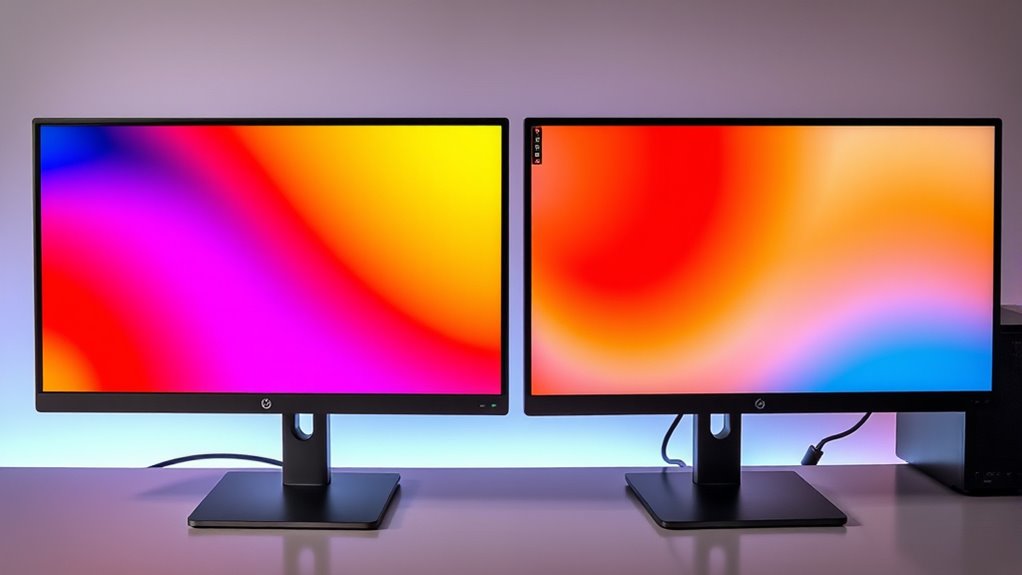
Many people confuse color gamut with coverage, but understanding the difference is essential for accurate color reproduction. Your color space defines the entire range of colors your device can display or print. Gamut refers to this specific subset within that space, indicating the colors your device can reproduce. Coverage measures how much of a target color space your device can handle, ensuring your output matches your intended colors. Profile consistency is key here, as it ensures your device’s color profile accurately represents its capabilities. When you grasp that gamut is about the range within a color space and coverage measures how much of that space your device covers, you’ll avoid misconceptions. This clarity helps you make better choices for color management and achieve more precise, consistent results. Understanding color profiles can further enhance your ability to manage color accuracy effectively. Additionally, being aware of the color management process allows for more reliable color reproduction across different devices. Recognizing that color calibration plays a vital role in maintaining consistent color output is also important for professionals seeking precision. For example, understanding how device-specific color profiles function can greatly improve output fidelity. Incorporating proper calibration techniques ensures your device maintains its color accuracy over time, preventing drift that could compromise your work.
Believing That All Color Profiles Are Equally Accurate
Not all color profiles are created equal, and assuming they are can lead to inaccurate color reproduction. Many fall prey to color profile myths and profile accuracy misconceptions, believing that any profile will deliver consistent results. In reality, differences in profile quality affect color fidelity: 1. Some profiles are poorly calibrated, causing color shifts. 2. Variations exist between device-specific profiles and universal ones. 3. Inaccurate profiles may not accurately represent color gamuts. 4. Relying on outdated or generic profiles diminishes precision. Understanding color profile accuracy is crucial for achieving consistent color reproduction. Furthermore, proper profile calibration practices significantly influence the reliability of color output, emphasizing the importance of proper setup and maintenance. Recognizing how color management workflows impact profile performance can further improve color consistency across devices.
Assuming Calibration Is a One-Time Setup
Assuming calibration is a one-time setup can lead to significant issues in maintaining accurate color reproduction. Over time, devices experience understanding long term drift, causing colors to shift gradually. Relying solely on initial calibration ignores the need for ongoing monitoring periodic calibration to ensure consistency. Without regular checks, you risk color inaccuracies that can compromise your work’s quality. Continuous calibration helps catch subtle changes early, preserving color fidelity across different sessions. It is also important to understand device aging and its impact on calibration accuracy. Recognizing calibration drift and implementing regular maintenance practices ensures ongoing precision and helps prevent costly recalibrations later. Additionally, staying informed about technological advancements can improve calibration techniques and extend device lifespan. Incorporating proper calibration tools into your workflow supports consistent results. This proactive approach saves time, reduces errors, and guarantees your color output remains true to your original intent.
Overlooking the Impact of Environmental Factors on Color Reproduction
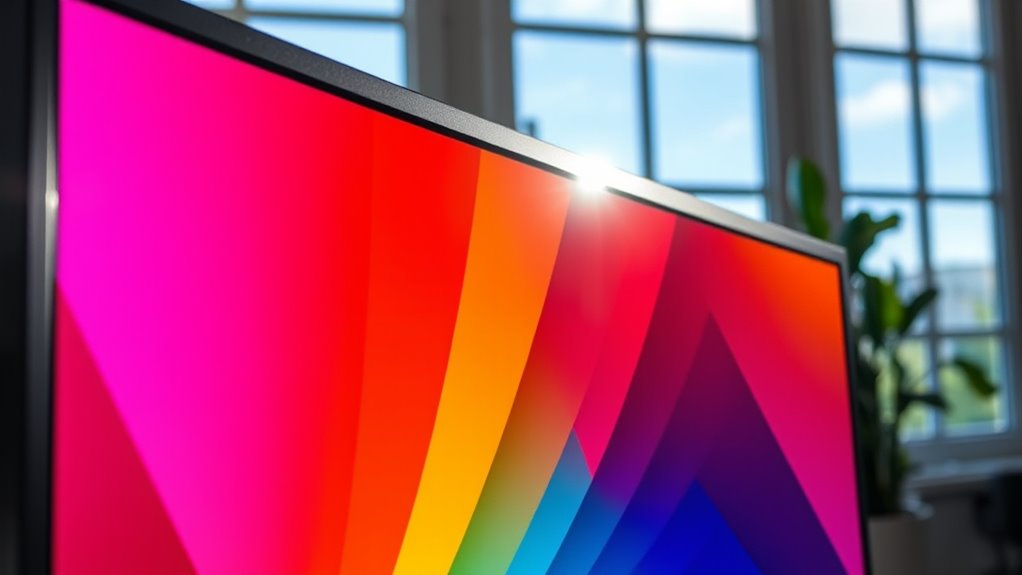
Environmental factors such as ambient light, temperature, and humidity can profoundly influence color reproduction if you overlook their impact. These variables interact with your display and materials, altering perceived color accuracy. Consider these key points: 1. Ambient lighting can shift how colors appear, making them look dull or overly vivid. 2. Material effects, like gloss or matte finishes, change how light reflects, impacting color perception. 3. Temperature fluctuations can cause display components to drift, affecting color consistency. 4. Humidity can lead to material degradation, causing color shifts over time. Additionally, display calibration ensures consistent color accuracy across different environmental conditions. Proper calibration is essential for maintaining color fidelity in changing settings. Recognizing the importance of environmental stability can help in planning effective color management strategies. Moreover, understanding how external influences interact with your equipment is crucial for achieving accurate and reliable color reproduction. Paying attention to environmental control can significantly improve long-term color consistency.
Relying Solely on Software Tools Without Manual Adjustments
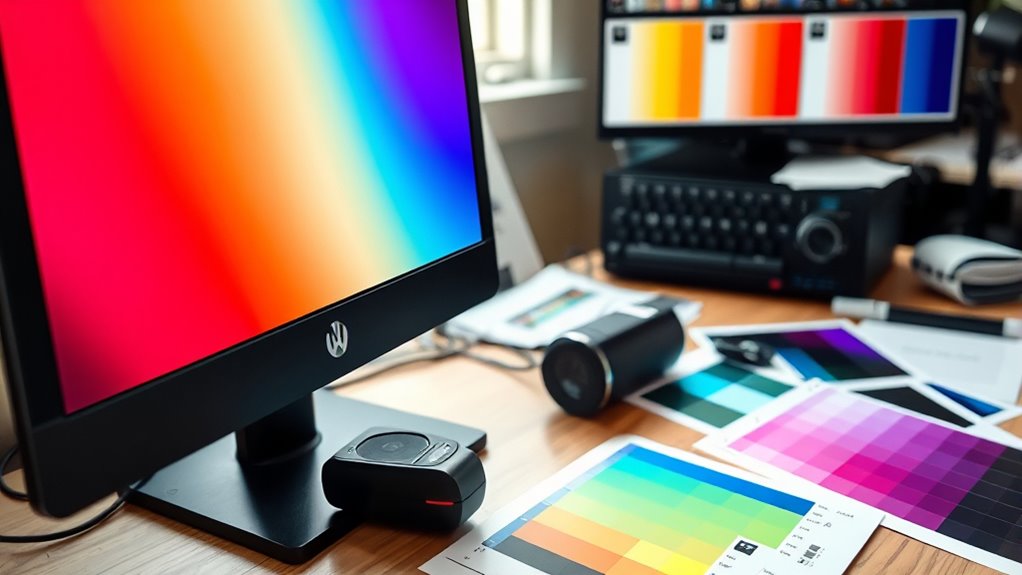
Relying solely on software tools to calibrate your display can lead to inaccuracies if manual adjustments are overlooked. While calibration software is vital, it can’t fully compensate for hardware limitations that affect color consistency. Without manual fine-tuning, subtle shifts in hue, saturation, or brightness may go unnoticed, reducing overall accuracy. Hardware components like panels, backlights, and color sensors have inherent constraints that software alone can’t correct perfectly. Ignoring manual adjustments risks creating color inconsistencies across different devices or viewing conditions. To guarantee maximum accuracy, you need to combine software calibration with manual tweaks. This approach helps address hardware limitations directly and guarantees your display maintains accurate, consistent color reproduction. Calibration techniques are essential for achieving precise results, as they involve understanding and adjusting hardware settings alongside software adjustments. Additionally, understanding the color gamut of your display can inform better calibration choices. Recognizing the limitations of hardware is crucial for effective calibration, as it highlights the importance of manual interventions. Don’t depend solely on software—manual intervention is essential for true calibration.
Frequently Asked Questions
How Often Should I Recalibrate My Display for Accurate Colors?
You should recalibrate your display at least once a month to maintain ideal calibration frequency and guarantee color precision. Regular calibration helps correct shifts in color accuracy caused by environmental factors like temperature and humidity. If you work professionally with color-sensitive projects, consider calibrating even more often, such as weekly. Consistent calibration guarantees your colors stay true, giving you reliable, consistent results every time you work.
Can Different Printers Produce Consistent Color Coverage With the Same Profile?
Think of printers as musicians in a band; even with the same sheet music, they might produce slightly different sounds. Different printers can still achieve consistent color coverage if you perform proper calibration and use the same color profile. Printer calibration ensures each device interprets color data accurately, promoting color consistency. Regular calibration is key to maintaining that harmony, so your prints stay true to your original colors every time.
What Environmental Conditions Most Affect Color Accuracy in a Workspace?
Ambient light and temperature stability most affect your workspace’s color accuracy. When ambient light varies, colors can appear different, so you should regulate lighting conditions to remain consistent. Temperature fluctuations can change ink and paper properties, leading to color shifts. Keep your environment well-lit with neutral lighting and maintain a stable temperature to ensure your colors stay precise and consistent across your printing projects.
Are There Specific Hardware Features That Improve Color Gamut Coverage?
Yes, certain hardware enhancements improve color gamut coverage. Look for monitors with wide color gamuts like Adobe RGB or DCI-P3, as they offer better color accuracy. Hardware features such as color calibration tools, high bit-depth panels, and wide color space support augment color management. These features ensure your display reproduces colors more precisely, making your work more consistent and reliable across different projects and devices.
How Do Ambient Lighting and Room Colors Influence Color Reproduction?
Ambient light and room paint can considerably influence how you perceive color reproduction. Bright ambient light washes out colors, making them appear less saturated, while dim lighting enhances contrast but can distort true hues. Room paint, especially if it’s reflective or strongly colored, can cast color tints onto screens, altering perceived colors. To get accurate color, control ambient lighting and choose neutral, matte walls that minimize color reflections.
Conclusion
By understanding these common misconceptions, you can enhance your color management approach. Don’t let misunderstandings subtly undermine your efforts—small adjustments and awareness can make a big difference. Remember, even the best tools need your keen eye and care. Stay curious, stay vigilant, and continuously refine your process. With a bit of attention to detail, you’ll find your color reproduction becomes more accurate and consistent, turning good work into truly exceptional results.
Fall Picks
fall essentials
As an affiliate, we earn on qualifying purchases.