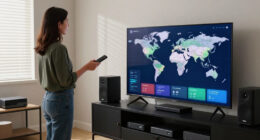
To keep your home cinema performing at its best, create a routine schedule for calibration, software updates, and inspections—ideally quarterly or biannually. Use manufacturer guidelines or hire professionals for precise calibration, and regularly check for firmware updates to make sure compatibility and security. Don’t forget to clean your equipment and download updates from trusted sources. Following these steps helps maximize your system’s lifespan and viewing quality—continue exploring to learn more about maintenance tips and best practices.
Key Takeaways
- Establish a regular schedule, such as quarterly or biannual, for calibration and software updates.
- Use manufacturer guidelines or hire professionals for precise calibration procedures.
- Download updates only from official sources to ensure security and compatibility.
- Perform routine cleaning and dusting of equipment to prevent performance issues.
- Document maintenance activities to track completed tasks and plan future upkeep.
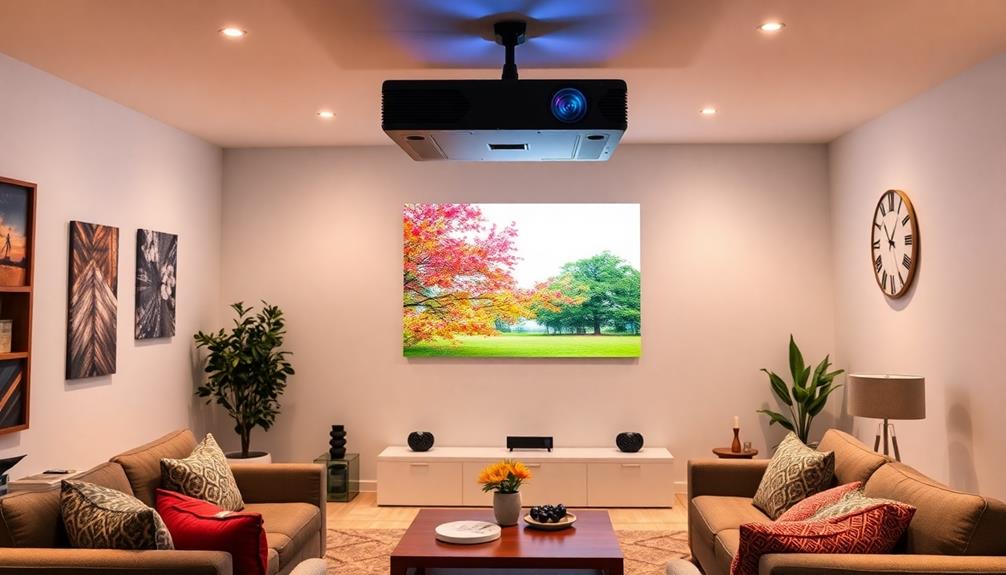
Keeping your home cinema equipment in top shape requires a proactive approach, so scheduling regular maintenance and updates is essential. One of the most important aspects of maintaining ideal performance is equipment calibration. Over time, your projectors, sound systems, and screens can drift out of alignment due to environmental factors or regular use. By routinely calibrating your equipment, you ensure the picture and audio quality remain sharp and true to the source material. Calibration involves fine-tuning color balance, contrast, brightness, and audio levels, which can greatly enhance your viewing experience. You don’t have to be a technical expert to perform basic calibration; many devices come with user-friendly menus or calibration tools. However, for more precise results, consider scheduling professional calibration once or twice a year. This step guarantees your equipment is delivering the best possible picture and sound, keeping your home cinema experience immersive and enjoyable. Regular calibration also helps maintain the equipment’s longevity by preventing unnecessary strain on components.
Alongside calibration, software patching plays a crucial role in keeping your home cinema system functioning smoothly. Manufacturers regularly release software patches to fix bugs, improve performance, and add new features. Failing to update your devices can leave vulnerabilities that may compromise performance or security. Setting a routine for software patching means you won’t miss critical updates that could enhance compatibility with new devices or streaming platforms. Many modern systems allow automatic updates, but if yours doesn’t, make it a habit to check for updates periodically. Doing so ensures your firmware and software are current, preventing issues like connectivity problems or degraded audio-visual quality. Keeping your software patched is a simple but effective way to prolong the lifespan of your equipment and avoid unexpected malfunctions during your movie nights. Additionally, understanding the importance of equipment maintenance can help you identify potential issues early before they escalate.
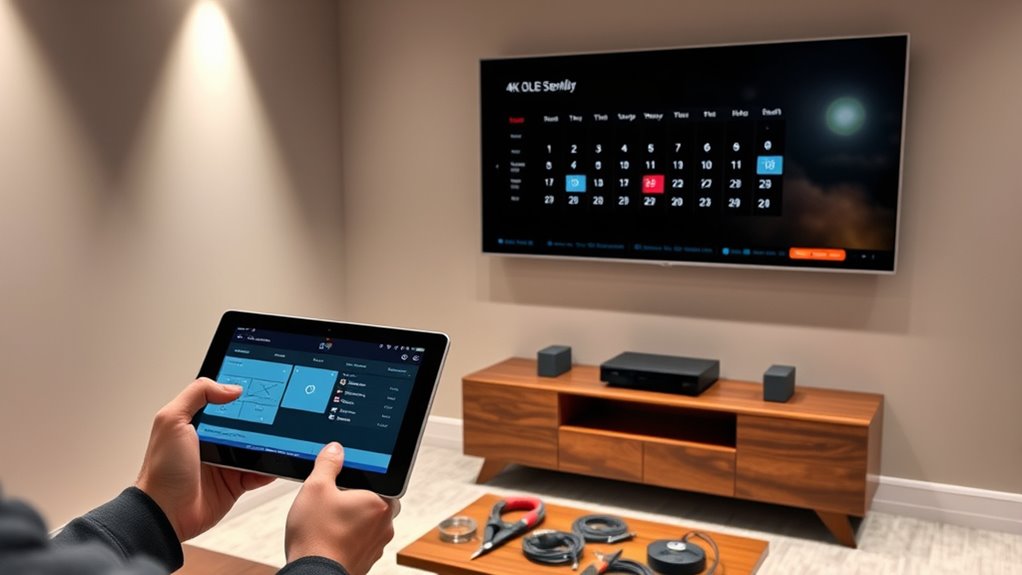
To streamline maintenance, create a schedule that covers calibration and software updates. Mark your calendar for quarterly or biannual checks, depending on your equipment’s complexity and usage frequency. When performing calibration, follow the manufacturer’s guidelines or consult a professional for best results. For software patching, always download updates from official sources to avoid security risks. Regularly cleaning your equipment—such as dusting projectors and speakers—also supports performance and longevity. By staying on top of these maintenance tasks, you prevent minor issues from escalating into costly repairs or replacements. Ultimately, a well-maintained home cinema setup guarantees you a consistently high-quality viewing experience, making your investment worthwhile and your movie nights more enjoyable.

SOULWIT 50Pcs Self Adhesive Cable Management Clips - Black
- 🔷SUPER EASY TO USE: Stick to clean surface, open...
- 🔷PREMIUM MATERIAL: Made from eco-friendly Polyamide66 material,...
- 🔷STICKY IN MANY SURFACES: Works on all clean surfaces...
As an affiliate, we earn on qualifying purchases.
Frequently Asked Questions
How Often Should I Schedule Professional Maintenance for My Home Cinema?
You should schedule professional maintenance for your home cinema every 12 to 18 months. During these visits, professionals will handle equipment calibration to guarantee peak picture and sound quality. Regular maintenance also helps identify potential issues early, keeping your warranty intact. If you notice performance drops or unusual noises, don’t wait—schedule a service sooner to maintain the best experience and protect your investment.
Can I Update My Home Cinema Software Manually or Only Through Technicians?
You can definitely update your home cinema software manually, so you don’t have to wait for technicians. Think of it as catching two birds with one stone—performing DIY upgrades saves time and keeps your system compatible with the latest features. Just make sure your device supports software compatibility, and follow the manufacturer’s instructions carefully. This way, you stay in control without relying solely on professional help.
What Signs Indicate My Equipment Needs Immediate Maintenance?
If your home cinema equipment shows signs like overheating or audio distortion, it needs immediate maintenance. Overheating can cause hardware damage, while audio distortion indicates underlying issues such as speaker problems or software glitches. Don’t ignore these signs; turn off your system to prevent further damage and schedule a professional check-up promptly. Addressing these issues early helps ensure your home cinema runs smoothly and prolongs its lifespan.
Are There Risks of Scheduling Updates During Peak Viewing Times?
Scheduling updates during peak viewing times can pose risks like temporary disruptions or slower performance, which might spoil your movie night. To avoid this, plan updates during off-peak hours when you’re less likely to be using your home cinema system. This way, you mitigate the risk of interruptions and ensure your equipment functions smoothly when it matters most. Always check for update notifications beforehand to choose the best time.
How Do I Backup Settings Before Performing System Updates?
To guarantee data preservation before performing system updates, you should follow backup procedures specific to your home cinema equipment. Start by saving your personalized settings, preferences, and calibration data to an external device or cloud service. Many systems have built-in backup options—use these to create a restore point. Regular backups protect you from potential data loss, making it easy to revert in case an update causes issues.

XHF 120 PCS Adhesive Cable Wire Clips Black, Outdoor Christmas Light Clips, Cable Management Wire Organizer Cord Holder for Under Desk, Car, Wall, TV PC Ethernet Cable
- High quality material:XHF Adhesive Cable Clips are manufactured...
- Widely used: USB Cable, Ethernet Cable, Outdoor...
- Size: Base 5/8" x 5/8", inner...
As an affiliate, we earn on qualifying purchases.
Conclusion
By staying on top of your home cinema maintenance and updates, you’ll keep everything running smoothly and avoid unexpected hiccups. Regular check-ups and timely updates are your best bet to enjoy seamless movie nights. Remember, a stitch in time saves nine—don’t wait until small issues become big headaches. With a little effort now, you’ll make certain your home theater stays in tip-top shape, providing countless hours of entertainment without a hitch.

120PCS XHF Adhesive Cable Wire Clips White, Cable Staples Outdoor Cable Management Wire Organizer Cord Holder for Under Desk, Car, Wall, TV PC Ethernet Cable
- High quality material:XHF Adhesive Cable Clips are manufactured...
- Widely used: USB Cable, Ethernet Cable, Outdoor...
- Size: Base 5/8" x 5/8", inner...
As an affiliate, we earn on qualifying purchases.

Optoma ML1080UST 1080p Photon Go Ultra Short Throw Full HD LED Triple Laser DLP Google TV Smart Projector
- 10 in. Ultra Short Throw Distance
- Integrated Dolby Audio
- Triple Laser RGB Technology
As an affiliate, we earn on qualifying purchases.