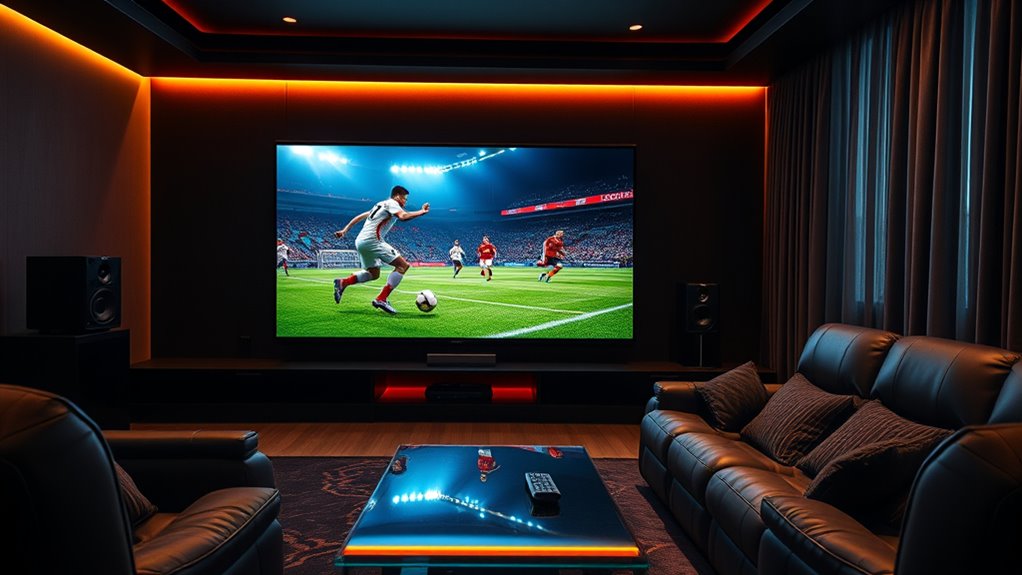
To stream live sports smoothly on your home theater, guarantee you have a reliable, wired internet connection with at least 25 Mbps. Keep your streaming device updated and use high-quality HDMI cables for better picture quality. Manage your network traffic by limiting other activities and prioritize your streaming device’s bandwidth with QoS settings. For even sharper action, optimize your home theater setup. Want to know more ways to improve your viewing experience? Keep exploring.
Key Takeaways
- Use a wired Ethernet connection and ensure your internet speed is at least 25 Mbps for smooth HD or 4K streams.
- Keep streaming devices and apps updated to prevent buffering and ensure compatibility with live sports platforms.
- Prioritize streaming traffic via your router’s QoS settings and limit bandwidth-heavy activities during game time.
- Close unnecessary background apps, clear device caches, and restart devices before big sporting events for optimal performance.
- Invest in a high-quality home theater projector, high-quality HDMI cables, and optimize picture settings for an immersive viewing experience.
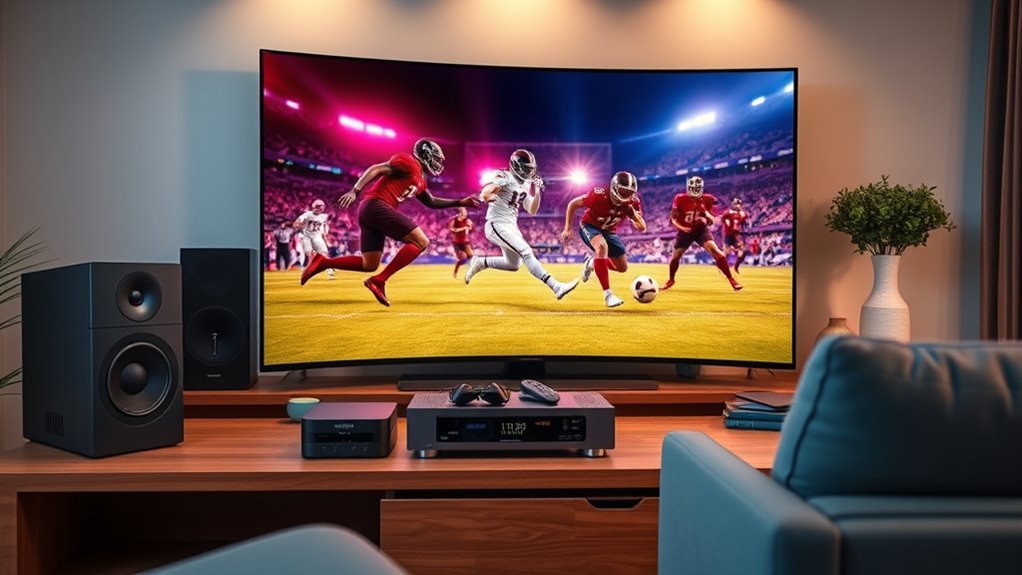
Have you ever wondered how you can watch your favorite sports live without leaving your home? Streaming sports has become more accessible than ever, but to enjoy smooth action, you need to set up your home theater properly. The first step is guaranteeing your internet connection is fast and stable. A wired Ethernet connection is ideal because it provides a more reliable and consistent signal compared to Wi-Fi, which can be affected by interference or distance from your router. If you must use Wi-Fi, position your router centrally and minimize obstacles like thick walls or other electronic devices that could cause interference. Aim for a connection speed of at least 25 Mbps for HD streaming, and higher if you plan to watch in 4K or multiple streams simultaneously.
Ensure your internet is fast and stable, preferably wired, for smooth streaming of live sports from home.
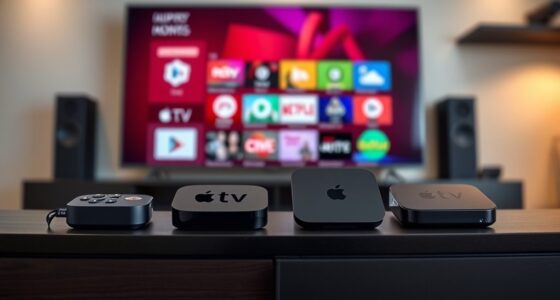
Next, consider your streaming device and its capabilities. Whether you’re using a smart TV, a streaming box like Roku, Fire TV, or Apple TV, or even a gaming console, make sure it’s updated with the latest firmware. Outdated software can cause buffering issues or compatibility problems with streaming apps. Choose devices that support the latest streaming standards and resolutions to get the best picture quality. Many streaming platforms offer dedicated apps—download and install them ahead of game day so you’re ready to go without delays. Keeping your device’s software current can also improve security and performance.
Another critical aspect is managing your network traffic. Streaming live sports can be bandwidth-intensive, especially during peak hours or if multiple devices are connected. Limit other high-bandwidth activities like downloads, online gaming, or large file uploads during game time. Prioritize your streaming device through your router’s Quality of Service (QoS) settings if available. This ensures your device gets the bandwidth it needs for uninterrupted viewing. Optimizing network settings can significantly reduce buffering and lag during critical moments. Additionally, using a dedicated streaming device can help minimize interruptions caused by background processes. To further improve your setup, consider upgrading your internet plan for higher bandwidth if persistent issues occur. Upgrading your hardware, such as routers or modems, can also enhance overall network performance and stability.
To minimize buffering and lag, close unnecessary background apps and processes on your streaming device or smart TV. Clearing cache or restarting your device before a big game can also help improve performance. If you experience persistent issues, consider upgrading your internet plan for higher bandwidth or investing in a mesh Wi-Fi system to enhance coverage throughout your home. Using a wired connection for your streaming device can greatly reduce latency and improve stream stability. Additionally, regularly testing your internet speed helps ensure your connection remains adequate for live sports streaming. Ensuring your network equipment is properly configured can prevent common connectivity issues.
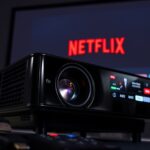
Furthermore, investing in a high-quality home theater projector with a high contrast ratio and accurate color reproduction can make your sports viewing experience even more immersive by providing vibrant, sharp images that bring every detail to life. Finally, ensure your display is set up for ideal viewing. Use high-quality HDMI cables to connect your streaming device to your home theater system. Adjust picture settings for clarity and brightness, and consider enabling any available motion smoothing or refresh rate features to make fast-paced sports look smoother. With these tips, you’ll create a home theater environment that delivers live sports action seamlessly, so you can enjoy every pass, goal, and buzzer-beater as if you were right there in the stadium.

Denon AVR-X1700H 7.2 Channel AV Receiver - 80W/Channel, Advanced 8K HDMI Video w/eARC, Dolby Atmos, DTS:X, Built-in HEOS, Amazon Alexa Voice Control
HIGH-PERFORMANCE 7-CHANNEL AMPLIFIER WITH NEXT-GEN MOVIE IMMERSION - Enjoy Denon sound in movies, games, and music with full...
As an affiliate, we earn on qualifying purchases.
Frequently Asked Questions
What Equipment Do I Need for Optimal Live Sports Streaming?
To optimize your live sports streaming, you’ll need reliable high-speed internet to handle the data. Invest in a good quality streaming device or smart TV, and connect it via Ethernet for a stable connection. A good sound system enhances the experience, so consider quality speakers or soundbars. Additionally, use a streaming service with minimal latency, and guarantee your home theater setup has a compatible display with high resolution for clear visuals.
How Can I Reduce Buffering During Live Sports Events?
To reduce buffering during live sports events, you should start by ensuring your internet connection is fast and stable—preferably wired Ethernet over Wi-Fi. Close any background apps that eat up bandwidth, and lower the streaming quality if needed. Restart your router regularly, and consider upgrading your plan for higher speeds. Using a dedicated device for streaming can also help deliver smoother, interruption-free action.
What Internet Speed Is Recommended for Streaming Live Sports?
You’re looking to find the right internet speed for streaming live sports, and it’s clear you want to stay in the game. For smooth action, aim for at least 5 Mbps for HD quality and 25 Mbps for 4K. Don’t forget, the more devices you have online, the more bandwidth you’ll need. Think of it as keeping your connection in tip-top shape to avoid missing a second of the action.
Are There Free Options for Live Sports Streaming?
You might find free options for live sports streaming, but they often come with limitations like ads, lower video quality, or restricted content. Some websites and apps offer free streams, but they can be unreliable or illegal. To enjoy smooth, high-quality sports action, consider legit streaming services or free trials from reputable providers. Always prioritize legal sources to avoid security risks and guarantee a better viewing experience.
How Do I Troubleshoot Audio and Video Sync Issues?
If you’re experiencing audio and video sync issues, start by checking your internet connection to make certain it’s stable and fast enough for streaming. Restart your device and app, as this can resolve minor glitches. Adjust the audio delay settings in your streaming app or home theater system to match the video. Keep your software updated, and if problems persist, try lowering the stream quality for smoother playback.

2000 ANSI 4K Decoding Projector with WiFi and Bluetooth, HAPPRUN Movie Home Theater with Auto Focus, 300'' Display for Indoor/Outdoor, Smart Proyector Compatible with Phone/TV Stick/PC/PS5
[EASIER OPERATION: AI Smart Screen Adjustment] HAPPRUN projector comes with auto focus and 6D auto-keystone technology, enjoy a...
As an affiliate, we earn on qualifying purchases.
Conclusion
To enjoy seamless live sports, you need a reliable internet connection, the right device, and a strategic setup. Guarantee your Wi-Fi is fast and stable, choose a device suited for streaming, and minimize interruptions by closing unnecessary apps. Prepare your space, check your equipment, and stay updated on service quality. By focusing on these essentials, you create an environment where every pass, goal, and buzzer beats with clarity, keeping you connected, engaged, and immersed in the game.
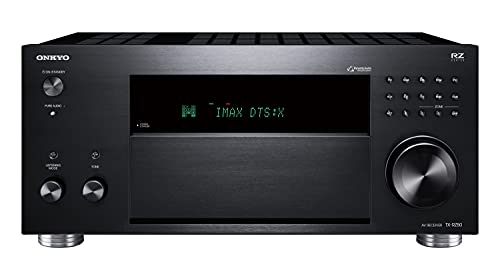
Onkyo TX-RZ50 9.2-Channel AV Receiver - 120 Watts Per Channel, Dirac Live Out of Box, Works with Sonos Certified, THX Certified and More
TAKE THE ROOM OUT OF THE EQUATION: Dirac Live automatically calibrates sound in your room using either your...
As an affiliate, we earn on qualifying purchases.
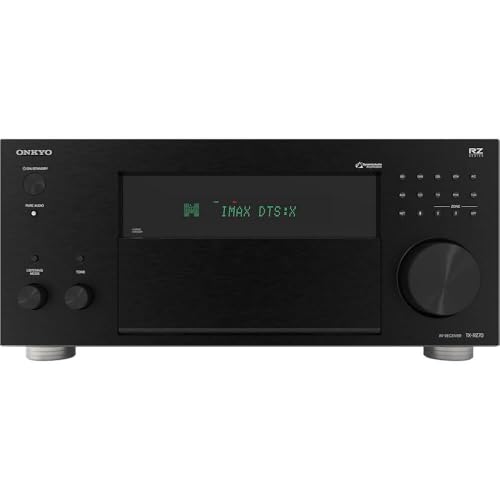
Onkyo TX-RZ70 11.2-Channel AV Receiver - 140 Watts Per Channel, Dirac Live Out of Box, Works with Sonos Certified, THX Certified and More
11 CHANNELS, 140 WATTS: Home theater buffs rejoice! The Onkyo TX-RZ70 is our most powerful AVR yet, giving...
As an affiliate, we earn on qualifying purchases.