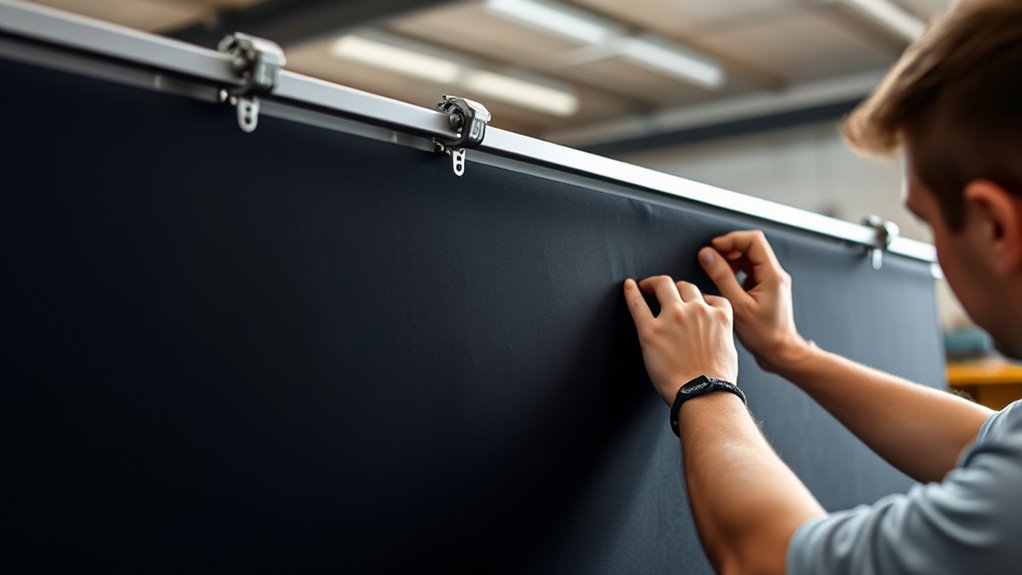

To properly set up your screen tension, securely attach the fabric to your frame or mounting surface using clamps or hooks, then gradually tighten evenly while checking for a flat, smooth surface. Avoid over-tightening, which can cause tears or warping, and under-tightening that leads to sagging and distorted images. Keep the tension consistent and check it regularly to maintain ideal picture quality, as mastering these steps will help you achieve the best projection results.

Get your home office setup delivered free — and shop member deals
- Fast, free delivery on millions of items
- Access to Prime Big Deal Days deals on October 6–7
- Prime Video, Amazon Music and more included
Key Takeaways
- Securely attach the screen to the frame or mount, then gradually tighten hardware for even tension.
- Use tensioning tools or a level to ensure uniform firmness across the surface.
- Avoid over-tightening to prevent fabric tears, warping, or damage to the frame.
- Regularly check and adjust tension to maintain a smooth, flat projection surface.
- Stretch fabric evenly to prevent puckering, wrinkles, and sagging for optimal image quality.
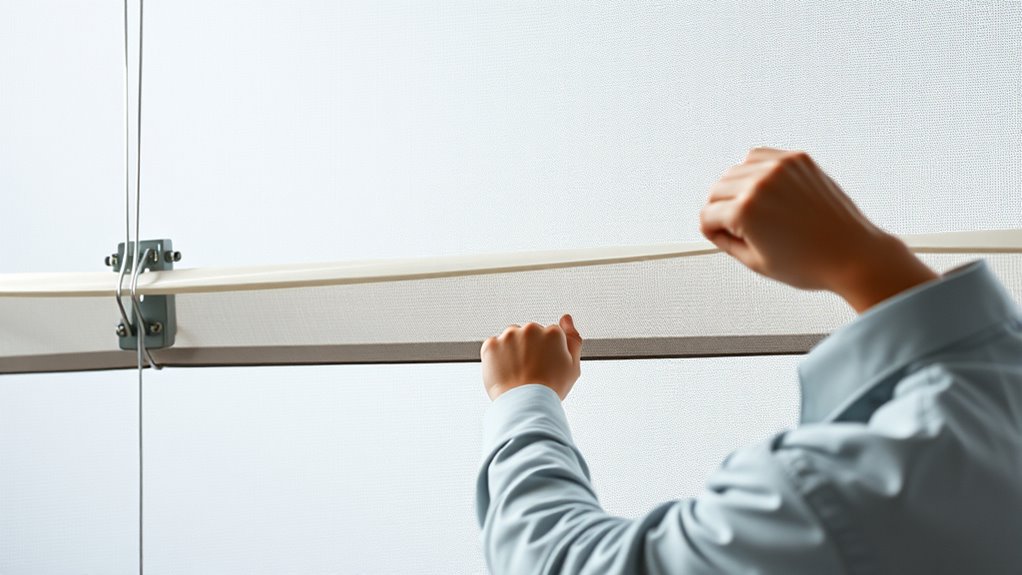
Ensuring the proper screen tension is essential for achieving high-quality projection images. When your screen is correctly tensioned, it provides a smooth, flat surface that guarantees images are sharp, vibrant, and free of distortions. If the tension is too loose, the fabric can sag or wrinkle, causing shadows or uneven focus that diminish picture clarity. Conversely, over-tensioning can stress the material, risking tears or warping over time. Finding the right balance helps maintain both image quality and screen durability, allowing your setup to stand the test of time.
Proper screen tension ensures sharp, vibrant images and prolongs your projection surface’s lifespan.
Proper tension directly impacts the screen’s durability. A well-tensioned screen resists sagging and deformation, which are common issues with improperly installed or loose screens. When tension is maintained correctly, the fabric remains taut and stable, reducing the chances of ripples or wrinkles that can develop into tears. This stability prevents undue stress on the material, extending its lifespan and reducing the need for frequent replacements. Additionally, correct tensioning minimizes the risk of warping or bending the frame, which can compromise the entire setup and lead to costly repairs.
To achieve ideal tension, start by securely attaching the screen to its frame or mounting surface. Use clamps, hooks, or tensioning systems designed for your specific screen type. Gradually tighten the tensioning hardware, checking the surface regularly for evenness. It helps to stretch the fabric evenly, avoiding any puckering or loose spots. Using a tensioning tool or a level can aid in applying consistent pressure across the entire surface. Remember, the goal is a uniformly taut screen that feels firm but not overly tight. Over-tightening can cause stress points on the fabric, increasing the risk of tears or permanent warping, so always proceed with caution.
Regular maintenance is key to preserving your screen’s tension and durability. Over time, environmental factors like humidity, temperature fluctuations, or physical impacts may loosen the fabric. Periodically check the tension and adjust as needed to keep the surface smooth and taut. Proper storage when not in use also helps prevent deformation. If you notice any sagging or wrinkles developing, address them immediately to prevent further damage. Proper tensioning isn’t a one-time task; it’s an ongoing process that ensures your projection surface stays in top condition, delivering crisp, clear images every time.
Frequently Asked Questions
How Often Should Screen Tension Be Checked?
You should check your screen tension every few weeks, especially if you notice the screen stretch or sag. Use a tension gauge to guarantee the tension remains consistent and avoid any warping or damage. Regular checks help maintain ideal image quality and extend the life of your screen. Keep an eye on the tension and adjust as needed to keep everything properly aligned and functioning smoothly.
What Tools Are Best for Measuring Tension Accurately?
Did you know that using the right tools can improve screen tension accuracy by up to 30%? For precise measurement, tension gauges are your best bet, offering reliable readings. Digital testers are especially effective because they provide instant, easy-to-read results, ensuring your screen stays perfectly tensioned. Investing in quality tension gauges or digital testers makes a significant difference, helping you maintain peak tension and extend your screen’s lifespan.
Can Improper Tension Damage the Screen or Printer?
Improper tension can definitely damage the screen or printer. If the tension’s too loose, it can cause the screen to sag, reducing screen durability and risking tears. Too tight, and it puts extra stress on the frame and printing components, potentially harming printer longevity. Always maintain ideal tension to guarantee your screen remains durable and your printer operates smoothly, preventing costly repairs and replacements down the line.
How Do Environmental Factors Affect Screen Tension?
Environmental factors can substantially affect your screen tension by disrupting environmental stability. Fluctuations in temperature and humidity cause material expansion and contraction, which can loosen or tighten your screen over time. To maintain ideal tension, you should monitor and control your workspace’s environment, keeping it consistent. This prevents unwanted tension changes, ensuring your screen remains properly tensioned, reducing the risk of damage, and delivering consistent printing results.
Is Professional Adjustment Recommended for Complex Setups?
Yes, professional adjustment is highly recommended for complex setups. When your screen involves intricate components or unusual mounting conditions, a trained technician can guarantee ideal tension and alignment. They have the expertise and specialized tools to handle challenging configurations, reducing the risk of damage or improper tension. Trusting a professional helps you achieve the best visual performance and longevity for your screen, especially when your setup exceeds basic requirements.
Conclusion
Now that you’ve learned how to set your screen tension properly, it’s almost like fate brought you here at the perfect time. When your screen is just right, everything lines up effortlessly—your movies look sharper, and your gaming feels smoother. Sometimes, the smallest adjustments can make a big difference, almost as if the universe conspired to help you get it perfect. So, trust your hands, and enjoy the crystal-clear visuals you’ve now set in motion.
Halloween Picks
halloween
As an affiliate, we earn on qualifying purchases.