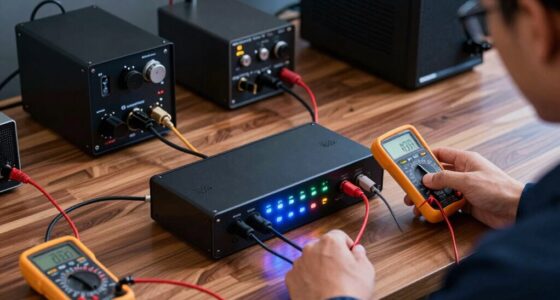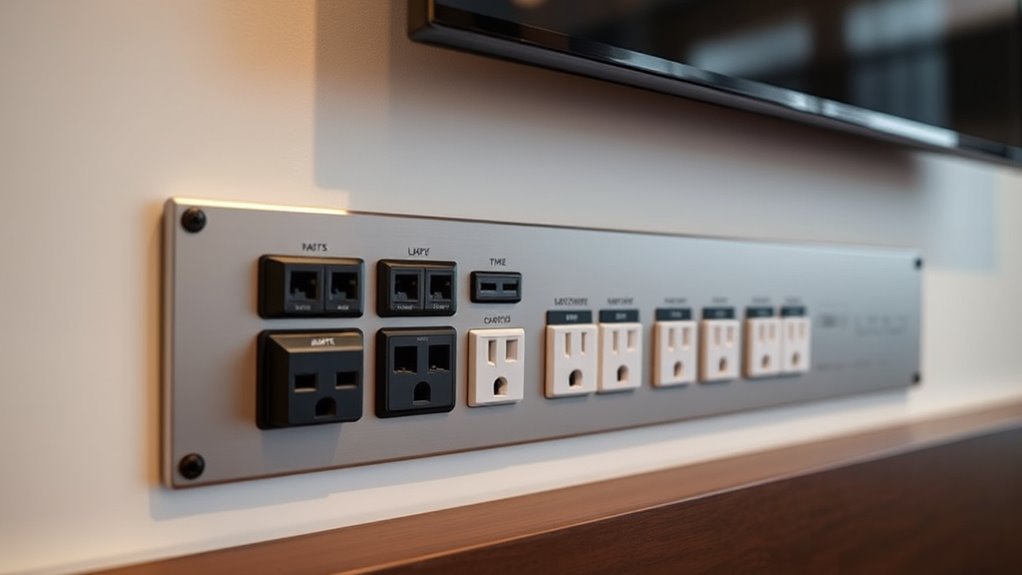
To plan power outlets for your AV equipment, assess your total power needs and distribute devices across multiple circuits to prevent overloads. Install outlets in strategic locations, minimizing cord clutter and ensuring they’re accessible. Use surge protectors with high joule ratings to guard your gear. Leave room for expansion and consider future upgrades by positioning extra outlets and choosing versatile surge protectors. For detailed tips and safety advice, keep exploring the key strategies to set up a safe, reliable AV power system.

Get your home office setup delivered free — and shop member deals
- Fast, free delivery on millions of items
- Access to Prime Big Deal Days deals on October 6–7
- Prime Video, Amazon Music and more included
Key Takeaways
- Evaluate total power needs and distribute AV devices across multiple circuits to prevent overloads.
- Install surge protectors with high joule ratings to shield equipment from voltage spikes.
- Position outlets strategically for accessibility, minimizing cord length and keeping cables tidy.
- Ensure all electrical work complies with safety standards and consult professionals for proper installation.
- Plan for future device additions by leaving room for extra outlets and selecting adaptable surge protection.
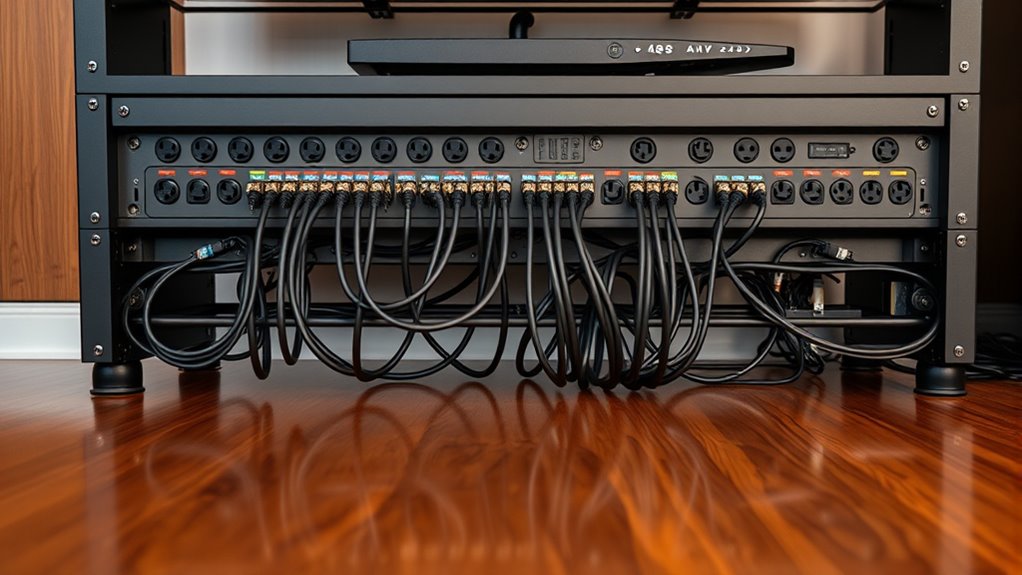
Planning your power outlets for AV equipment is crucial to guarantee a smooth and safe setup. A key factor to consider is circuit capacity, which determines how much power your outlets can handle without overloading. If you connect too many devices to a single circuit, you risk tripping circuit breakers or causing electrical hazards. To avoid this, assess the total power draw of your AV equipment and distribute it across multiple circuits if necessary. This way, each circuit stays within its capacity, ensuring stable operation and reducing the risk of electrical failure. Additionally, incorporating surge protection is essential to safeguard your equipment from sudden voltage spikes caused by lightning strikes, power surges, or other electrical disturbances. Surge protectors act as a barrier, absorbing excess energy and preventing it from reaching sensitive devices. When planning your outlets, look for surge protectors with adequate joule ratings and multiple outlets to accommodate all your equipment. Positioning outlets in strategic locations is also vital; you want to minimize the length of power cords to reduce clutter and potential tripping hazards. Consider the layout of your space and the placement of your AV gear, ensuring outlets are accessible and convenient to connect without stretching cords across walkways. It’s wise to install outlets at different heights if needed, especially for wall-mounted equipment or behind entertainment centers, to keep cords out of sight and maintain a tidy appearance. Remember, a well-planned power setup isn’t just about convenience—it’s about safety. Overloaded circuits can cause overheating, fires, or damage to your gear, so always adhere to electrical codes and standards. If you’re unsure about your circuit capacity, consult a professional electrician to evaluate your system and recommend the best approach. Investing in a dedicated circuit for your AV equipment can make a significant difference, providing consistent power and preventing interference from other household appliances. When selecting surge protection devices, opt for models with features like automatic shutdown or disconnect, which activate if a surge exceeds safe levels, ensuring your equipment remains protected. Properly planning your power outlets means thinking ahead about future upgrades or additional devices, so leave some room for expansion. Additionally, understanding the importance of circuit capacity and ensuring each circuit can handle your equipment’s power draw will help maintain a safe environment. By paying attention to circuit capacity, incorporating surge protection, and thoughtfully positioning outlets, you’ll create a reliable, safe environment for your AV setup. Taking these steps reduces the risk of electrical issues, enhances the longevity of your equipment, and ensures that your entertainment experience is smooth and uninterrupted.
Frequently Asked Questions
How Many Outlets Are Needed for Large AV Setups?
For large AV setups, you typically need at least one outlet per major device, but plan for extra capacity to prevent overloads. Consider power outlet capacity to handle high-wattage equipment and use outlet placement strategies that minimize cable clutter and ensure easy access. You should install multiple outlets in strategic locations, especially around the main equipment area, to provide flexible power sources and future-proof your setup.
What Safety Codes Apply to AV Power Outlet Installation?
Think of electrical wiring and grounding techniques as the safety nets keeping your AV setup secure. You must follow electrical codes like the NEC (National Electrical Code) and local regulations, ensuring proper grounding and circuit protection. These codes prevent electrical hazards, overloads, and short circuits. Always hire a licensed electrician, and double-check grounding methods to keep your equipment and people safe during operation.
Can I Install Outlets Myself or Need a Professional?
You can attempt a DIY installation, but it’s highly recommended to have a licensed electrician handle it. Electrical licensing guarantees the work meets safety codes and reduces risks of fire or shock. If you lack experience with electrical work, trying a DIY approach could lead to mistakes or code violations. For safe, compliant, and reliable AV power outlets, hiring a professional electrician is your best choice.
How Do I Prevent Power Surges Affecting AV Equipment?
To prevent power surges from damaging your AV equipment, use surge protectors designed for electronics. Opt for models with high joule ratings to block voltage spikes effectively. Additionally, consider power conditioning devices that stabilize voltage and filter out electrical noise. Always plug your AV gear into surge protectors and avoid daisy-chaining multiple devices, ensuring your equipment stays safe from unexpected surges and power fluctuations.
What Are Best Practices for Cable Management Near Outlets?
Did you know that cluttered cables can reduce airflow by up to 30%, increasing overheating risks? To guarantee safe cable management near outlets, focus on cable concealment, hiding cords behind walls or conduits for a cleaner look. Keep outlets accessible, so you can easily unplug or troubleshoot when needed. Use cable ties or sleeves to organize cords neatly, preventing tripping hazards and maintaining a professional, efficient setup.
Conclusion
Think of your power outlets as the roots of your AV setup, anchoring everything securely. When you plan wisely, you’re planting a strong foundation that keeps your equipment thriving and connected. By ensuring ample, well-placed outlets, you’re nurturing a seamless flow of energy—like a steady stream nourishing a vibrant tree. With careful planning, your AV system will stand tall and reliable, ready to support your vision and keep your space energized for years to come.
Halloween Picks
halloween
As an affiliate, we earn on qualifying purchases.