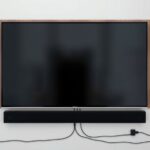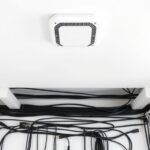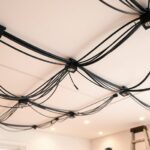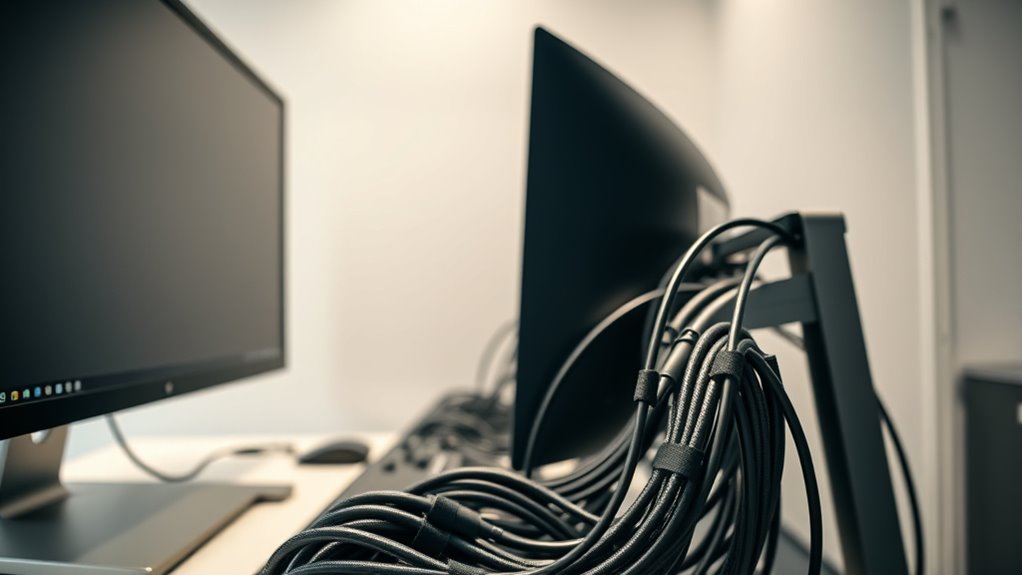

To manage cables behind screens, start by planning your route to reduce clutter and avoid tension on cords. Use cable raceways or conduits along the wall or desk to hide and protect wires, and secure loose cables with Velcro straps or clips. Keep cords organized and labeled for easy access, and avoid excess slack. Proper cable management creates a safer, neater workspace, and you’ll discover more tips if you continue exploring ways to optimize your setup.
Key Takeaways
- Use cable raceways or conduits to hide wires running behind screens and along walls.
- Secure cables with clips or Velcro straps to keep them tidy and prevent tangling.
- Plan cable routes to minimize excess slack and reduce strain on connections.
- Label cables for easy identification and efficient management behind screens.
- Ensure all wiring complies with safety codes and is insulated properly to prevent damage.
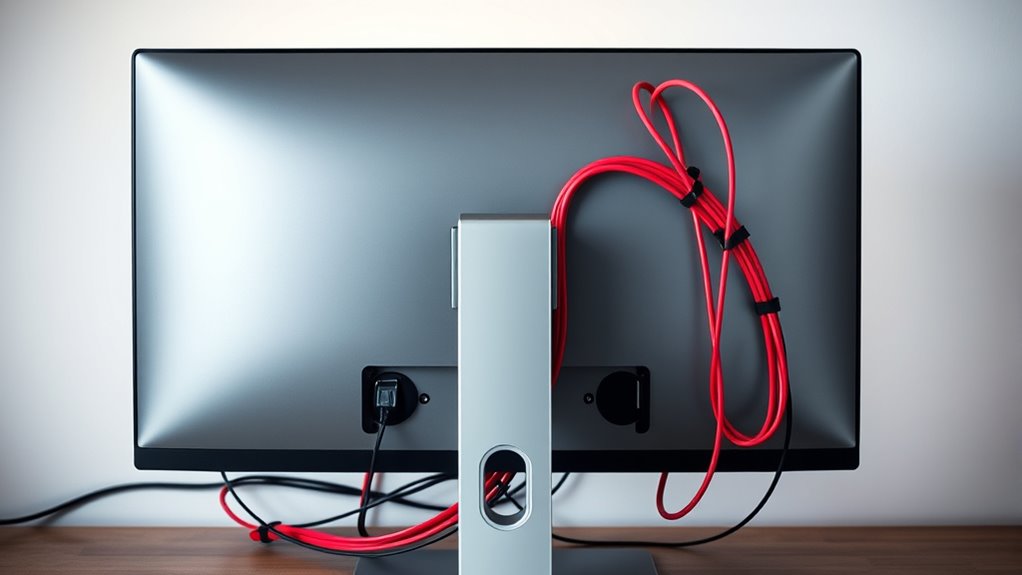
Behind your screens, cables can quickly become a tangled mess that hampers your workspace and creates safety hazards. If you don’t address this early, it can lead to frustration when trying to locate a specific cable or, worse, cause someone to trip over loose cords. That’s where effective wire concealment and cable organization come into play. When you focus on these aspects, you transform a cluttered setup into a clean, efficient workspace. Wire concealment involves hiding cables out of sight, often within walls, behind furniture, or through specialized raceways, giving your area a tidy appearance. Cable organization, on the other hand, keeps cords neat and accessible, preventing tangling and making future adjustments simple.
Effective cable management keeps your workspace tidy and safe by hiding and organizing cords out of sight.
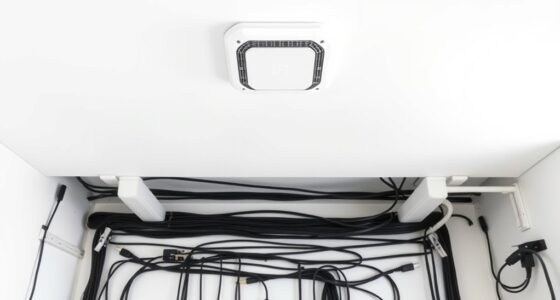
To start, you want to think about how you route your cables. Using cable clips or cable sleeves can help keep cords aligned and prevent them from sprawling across your desk or floor. This not only improves aesthetics but also reduces stress on the cables themselves, extending their lifespan. If you have multiple devices connected to a single outlet, consider using a power strip with individual switches. This makes it easy to turn off unused devices, reducing clutter and saving energy. When you’re planning wire concealment, look into installing cable raceways or conduits that run along walls or under desks. These solutions hide the cables from view and protect them from accidental damage, creating a sleek look that’s easy to maintain. Additionally, selecting the right electric dirt bikes can be a fun way to combine technology and outdoor activity, especially considering their increasing horsepower and speed capabilities.
Incorporating cable organizers like Velcro straps or cable ties can markedly improve your cable management routine. Grouping related cables together keeps everything orderly and makes it easier to identify which cable belongs to which device. When you’re dealing with longer cords, avoid leaving excess slack in the open. Instead, coil the extra length neatly and secure it with ties or clips. If you’re comfortable with more permanent solutions, you might even consider running cables through walls or under floors for a truly concealed setup. Just ensure you follow safety guidelines and local building codes to avoid any hazards.
Ultimately, good wire concealment and cable organization aren’t just about looks—they’re about creating a safer, more efficient workspace. When your cables are properly managed, you’ll notice fewer disruptions, less time spent untangling cords, and a more professional environment. It’s worth investing a little effort upfront to keep your behind-the-screen area clean and safe. Whether you’re setting up a home office or a professional workspace, these strategies will help you maintain a clutter-free zone, making your work more enjoyable and your space more appealing.
![J-Tech Digital 8K HDMI Audio Extractor with eARC ARC 8K 60Hz 4K 120Hz, HDMI to Optical L/R Converter Adapter, HDCP 2.3 HDR CEC EDID [JTECH-8KAE]](https://m.media-amazon.com/images/I/31V94vBBJHL._SL500_.jpg)
J-Tech Digital 8K HDMI Audio Extractor with eARC ARC 8K 60Hz 4K 120Hz, HDMI to Optical L/R Converter Adapter, HDCP 2.3 HDR CEC EDID [JTECH-8KAE]
✅ 8K 60Hz | 4K 120Hz HDMI Audio Extractor: Extract audio from HDMI signal, send to external audio...
As an affiliate, we earn on qualifying purchases.
Frequently Asked Questions
What Tools Are Best for Hiding Cables Behind Screens?
You should use cable clips and conceal wiring behind your screens for a neat look. Cable clips keep cords organized and prevent tangling, making installation easier. Concealed wiring hides cables from view, creating a clean, professional appearance. These tools are simple to use and effective, helping you maintain a tidy setup. With the right tools, you can easily manage cables behind screens and improve your workspace’s overall aesthetic.
How Can I Prevent Cables From Tangling Over Time?
Like a skilled conductor, you can prevent cables from tangling over time by practicing tidy cable routing and labeling. Use cable labels to identify each cord, making adjustments easier and reducing clutter. Secure cables with clips or ties, keeping them neatly aligned. Regularly check and reorganize your setup to avoid knots forming. This proactive approach guarantees your cables stay orderly, just as a symphony remains harmonious.
Are Wireless Options a Viable Substitute for Wired Connections?
Yes, wireless options are a viable substitute for wired connections, especially with advances in wireless technology. Wireless advantages include greater flexibility and easier setup, reducing clutter behind your screens. However, make certain your device and network support strong connection stability to avoid interruptions. While wireless can be convenient, for activities demanding high bandwidth or low latency, wired connections might still offer more reliable performance.
What Safety Precautions Should I Take During Cable Management?
Managing cables is like walking a tightrope—you need focus and safety. You should unplug devices before handling cables, avoid overloading power strips, and keep wires organized to prevent tripping. Always use proper cable clips and avoid pinching or damaging cords. Prioritize electrical safety by keeping cables away from water, and watch for fire hazards from tangled or frayed wires. These precautions help prevent accidents and make certain a safe, efficient environment.
How Often Should I Inspect or Update Cable Setups?
You should inspect and update your cable setup at least every six months to guarantee safety and peak performance. Regular maintenance keeps cables organized, prevents damage, and extends their longevity. During each check, look for wear, loose connections, or signs of overheating. Keeping a consistent maintenance schedule helps you catch issues early, reducing risks and maintaining a clean, efficient workspace. Staying proactive ensures your cables stay safe and functional longer.

eARC Audio Extractor HDMI ARC Audio Converter eARC to HDMI Audio Optical/SPDIF RCA L/R 3.5mm Jack Digital to Analog Adapter DAC Converter
The KLEAWARTE eARC Audio Converter is designed to elevate your home entertainment system by delivering crisp, clear audio...
As an affiliate, we earn on qualifying purchases.
Conclusion
Think of your screen setup like a well-organized garden. When cables are neatly tucked away, your space feels calm and inviting, just like a tidy garden blossoming without chaos. I once saw a friend’s workspace transform after cable management—suddenly, it wasn’t just functional, but inspiring. Good cable management isn’t just about looks; it’s about creating a smooth, stress-free environment where your focus can truly bloom. Start tidying, and watch your space flourish.

HDMI ARC Audio Extractor DAC Audio Converter 192KHz Digital to Analog Converter for PS3 PS4 HDTV DVD Home Systems, HDMI ARC/Optical/Coaxial Input, SPDIF/Optical/RCA/3.5mm Stereo Output(with 4 Cables)
【ARC Function - Check Your TV First】: This hdmi arc audio extractor lets your TV send audio Extractor...
As an affiliate, we earn on qualifying purchases.

Denon AVR-X1700H 7.2 Channel AV Receiver - 80W/Channel, Advanced 8K HDMI Video w/eARC, Dolby Atmos, DTS:X, Built-in HEOS, Amazon Alexa Voice Control
HIGH-PERFORMANCE 7-CHANNEL AMPLIFIER WITH NEXT-GEN MOVIE IMMERSION - Enjoy Denon sound in movies, games, and music with full...
As an affiliate, we earn on qualifying purchases.