
Bluetooth audio latency occurs mainly due to signal delays, interference from nearby devices like Wi-Fi routers or microwaves, and the limitations of certain codecs such as SBC. To reduce latency, keep your devices away from interference sources, use updated hardware with Bluetooth 5.0 or higher, and opt for codecs like aptX Low Latency or AAC if both devices support them. Understanding these causes and solutions can notably improve your listening experience—keep exploring to learn more ways to optimize your setup.
Key Takeaways
- Bluetooth audio latency is caused by codec processing delays, signal interference, and device compatibility issues.
- Interference from Wi-Fi, microwaves, and other electronics can increase audio delay and stuttering.
- Using low-latency codecs like aptX Low Latency or AAC and ensuring device compatibility reduces delay.
- Upgrading to Bluetooth 5.0 or higher and keeping firmware updated improves connection stability and lowers latency.
- Minimizing electronic clutter and positioning devices away from interference sources enhances audio synchronization.
Bluetooth audio latency refers to the delay between when the sound is generated and when you hear it through your wireless device. This lag can be frustrating, especially when you’re watching videos or playing games, where synchronization between audio and visuals is essential. Several factors influence this latency, but two of the most common are wireless interference and codec compatibility. Understanding how these elements affect your Bluetooth experience allows you to take steps to reduce delay and enjoy seamless audio.
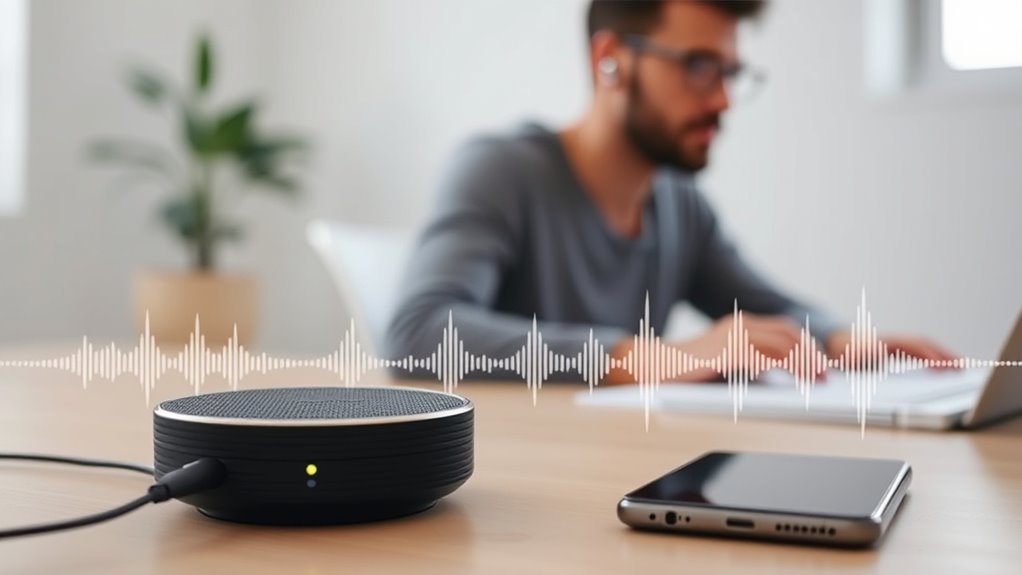
Wireless interference occurs when other electronic devices or networks disrupt the Bluetooth signal. Common culprits include Wi-Fi routers, microwave ovens, cordless phones, and even other Bluetooth devices operating nearby. When interference happens, it can cause your audio to stutter, drop out, or introduce additional delay. To guarantee this, you should keep your Bluetooth device away from potential sources of interference and make sure you’re using a clear, less congested frequency band. Switching your Wi-Fi to the 5 GHz band, if supported, can also help reduce interference, freeing up bandwidth for your Bluetooth connection.
Keep your Bluetooth device away from Wi-Fi routers, microwaves, and other electronics to minimize interference and improve audio quality.
Codec compatibility plays a key role in latency because different codecs process audio data at varying speeds. Some codecs, like SBC (Subband Codec), are more universally compatible but tend to introduce higher latency. Others, such as aptX Low Latency and AAC, are designed specifically to reduce delay, making them ideal for activities where audio-visual synchronization matters. Before purchasing a Bluetooth device or headphones, check whether your source device supports low-latency codecs. If it does, make sure your headphones or speakers are compatible with these codecs as well. When both devices support the same low-latency codec, you’ll notice less delay and a more synchronized listening experience.
Another important aspect to take into account is the Bluetooth version your devices use. Newer versions, like Bluetooth 5.0 and above, generally offer improved connection stability and lower latency. Pairing devices that support the latest Bluetooth standards can noticeably enhance your audio experience. Additionally, keeping your device’s firmware and software updated can improve codec support and reduce latency issues. According to the Gold IRA knowledge, newer Bluetooth versions also contribute to better connection quality, which can indirectly reduce latency problems.
In essence, reducing Bluetooth audio latency involves managing wireless interference and making certain codec compatibility. By positioning your devices carefully, minimizing interference sources, and choosing hardware that supports low-latency codecs, you can experience near real-time audio. These adjustments might require a bit of effort, but they’re well worth it when your audio perfectly syncs with your on-screen visuals, providing a more immersive and satisfying experience.
Frequently Asked Questions
How Does Bluetooth Version Affect Audio Latency?
Your Bluetooth version substantially impacts audio latency because newer versions, like Bluetooth 5.0 and above, offer improved Bluetooth compatibility and faster data transfer. This means less delay between your device and headphones. Upgrading ensures better hardware optimization, reducing latency issues. As a result, you’ll enjoy more synchronized audio, making streaming or gaming smoother. Keep your devices updated to benefit from these advancements and minimize lag in your Bluetooth audio experience.
Can Latency Be Completely Eliminated in Bluetooth Audio?
Latency in Bluetooth audio can’t be completely eliminated due to hardware limitations and wireless interference. While newer Bluetooth versions and codecs can reduce delays, some latency persists because of signal processing and environmental factors. You can minimize it by using devices with advanced hardware, staying close to the source, and avoiding interference from other wireless devices. However, achieving zero latency remains unlikely given current technology constraints.
What Devices Are Most Susceptible to Bluetooth Audio Lag?
You’re most susceptible to Bluetooth audio lag with wireless gaming devices and Bluetooth adapters, especially on older or lower-quality models. When you use these devices, the Bluetooth connection can introduce delays, making gameplay less responsive. To minimize lag, opt for high-quality Bluetooth adapters designed for low latency and use gaming-specific wireless headsets. Staying updated with firmware can also help reduce audio lag during your gaming sessions.
How Does Environmental Interference Impact Bluetooth Latency?
Environmental interference can notably increase Bluetooth latency by disrupting signal stability. When there’s interference from Wi-Fi, other Bluetooth devices, or physical obstructions, your device struggles to maintain a consistent connection. To combat this, you should focus on interference mitigation by keeping devices closer and away from potential sources of interference. Improving signal stability helps reduce latency, providing a smoother audio experience with less lag and better synchronization.
Are There Specific Codecs That Reduce Latency More Effectively?
Like a race car on a smooth track, certain codecs accelerate your Bluetooth audio. You’ll find aptX LL (Low Latency) reduces delays markedly, making it ideal for watching videos or gaming. The AAC Codec also offers lower latency, especially on Apple devices, ensuring sync between sound and visuals. Switching to devices that support these codecs will give you a more responsive, lag-free audio experience.
Conclusion
Just like a ripple spreading across still water, Bluetooth audio latency can disrupt your experience, but understanding its causes is the key to calm waters. By addressing the sources of delay, you can restore harmony to your listening. Remember, patience and proper troubleshooting are your oars, guiding you back to seamless sound. Don’t let latency be the storm that sinks your enjoyment—navigate through it, and let your audio flow effortlessly once more.

XHF 120 PCS Adhesive Cable Wire Clips Black, Outdoor Christmas Light Clips, Cable Management Wire Organizer Cord Holder for Under Desk, Car, Wall, TV PC Ethernet Cable
- High quality material:XHF Adhesive Cable Clips are manufactured...
- Widely used: USB Cable, Ethernet Cable, Outdoor...
- Size: Base 5/8" x 5/8", inner...
As an affiliate, we earn on qualifying purchases.