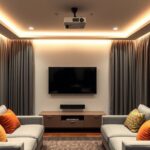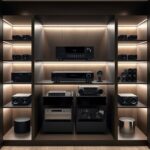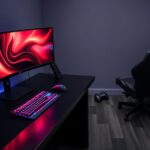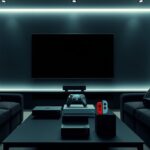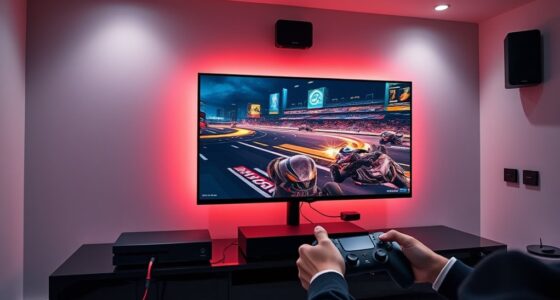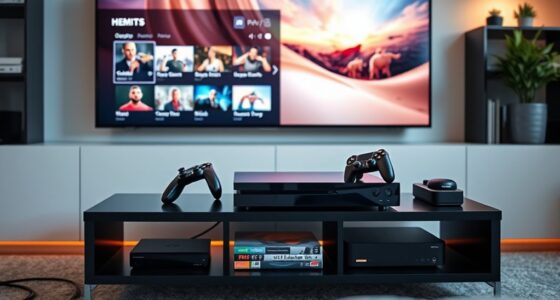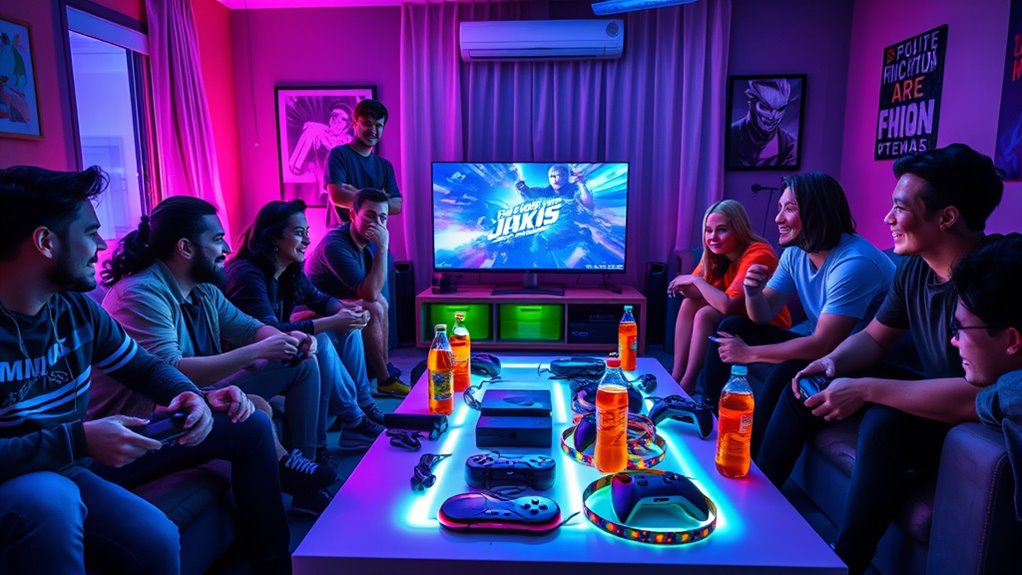
To host a LAN party or multiplayer event at home, plan your space and equipment carefully. Set up enough consoles and controllers, arrange screens for everyone’s view, and organize your cables to keep things tidy. Stock plenty of snacks and drinks, and create a comfortable area for players to relax and socialize. Breaking up long sessions with breaks keeps energy high. Stay organized and attentive to details to make sure everyone has a great time—if you keep going, you’ll discover more tips to make it truly memorable.
Key Takeaways
- Ensure sufficient consoles, controllers, and power strips, arranged to minimize clutter and maximize accessibility.
- Plan console placement and test equipment beforehand for smooth gameplay.
- Set up snack and beverage stations away from gaming areas to prevent spills and distractions.
- Create a comfortable environment with proper seating, lighting, and scheduled breaks for players.
- Communicate plans and expectations clearly to participants to ensure an organized and enjoyable event.
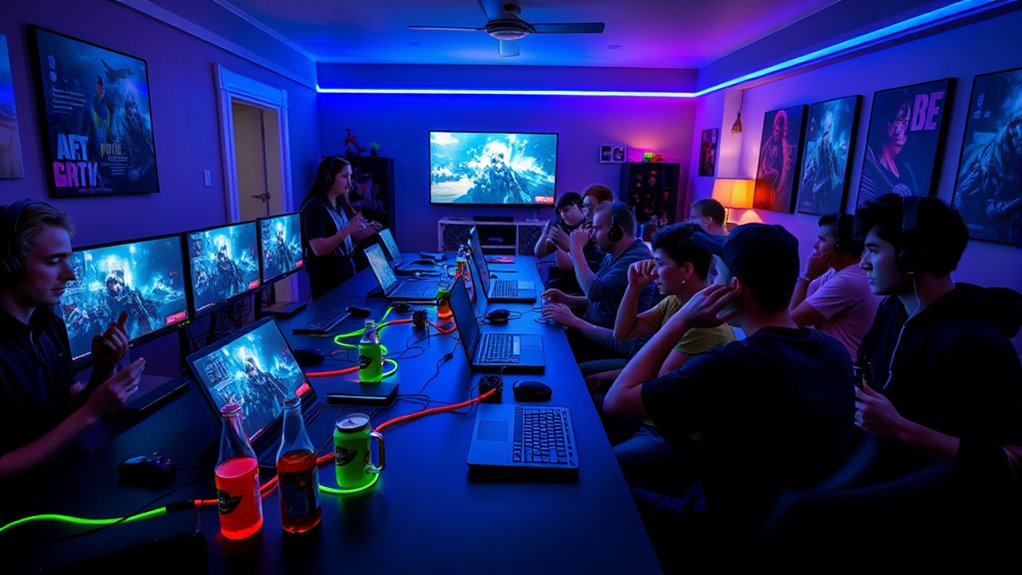
Hosting LAN parties and multiplayer events at home can be a fun and rewarding way to connect with friends and family. It’s an opportunity to share your love of gaming, enjoy friendly competition, and create memorable moments. To make your gathering successful, start by planning your console setups carefully. Guarantee you have enough gaming consoles, controllers, and power strips to accommodate everyone comfortably. Arrange the consoles in a way that minimizes cable clutter and allows players to easily access their controllers and screens. Positioning screens so everyone has a clear view prevents arguments about angles and guarantees everyone stays engaged. Checking the compatibility of your consoles and games beforehand helps avoid last-minute surprises, and having multiple setups for different game genres can cater to varied interests.
Proper setup and planning ensure smooth, fun-filled gaming sessions with friends and family.
Another essential aspect is snack planning. When you’re hosting a multiplayer event, players tend to get hungry and thirsty over the course of the session. Stock up on easy-to-eat snacks like chips, popcorn, and finger foods that won’t distract from gameplay. Keep a variety of beverages—sodas, water, and energy drinks—within arm’s reach so players can stay refreshed without missing a beat. Consider setting up a designated snack station away from the gaming area to prevent spills and keep the gaming space tidy. It’s also helpful to include some healthier options like fruit or veggie trays for those who prefer lighter bites. Planning snacks ahead of time prevents interruptions during intense gaming moments and keeps everyone energized. Additionally, understanding privacy policies and how your data is managed can help you ensure a safe and enjoyable online gaming experience for everyone involved.
Creating a comfortable environment is just as important as organizing your gear and snacks. Make sure your seating arrangements are cozy and enough for everyone to relax without feeling cramped. Adjust lighting to reduce glare on screens while maintaining enough brightness for players to see their controllers and snacks clearly. If you’re hosting for a longer period, schedule breaks so players can stretch, socialize, and grab more snacks. Communicate your plan with your friends or family beforehand, so everyone knows what to bring or expect, especially if they’re contributing snacks or bringing their own consoles.
Ultimately, a successful LAN party hinges on good planning and attention to detail. Well-thought-out console setups and strategic snack planning make the experience smoother and more enjoyable. When all elements come together, everyone can focus on having fun, competing, and making memories. With a little effort and preparation, your next multiplayer event will be a hit that friends and family will talk about long after the controllers are put down.

Viprh 3000W Peak 5.1-Channel Home Audio Power Amplifier – HiFi Stereo Amplifier with Subwoofer, 3 Microphone Inputs, USB/SD Card Reader, Remote Control for Karaoke & Home Theater
🎬 Immersive 5.1-Channel Home Theater Experience:Built for home theaters, living rooms, and small party setups, this high-power AV...
As an affiliate, we earn on qualifying purchases.
Frequently Asked Questions
What Are the Best Games for LAN Parties?
You should choose games with great game selection and diverse gaming genres to keep everyone engaged. Popular options include first-person shooters like Counter-Strike, MOBAs like League of Legends, and real-time strategy games like Starcraft. Also, consider party games such as Jackbox or Mario Kart for fun and quick rounds. These choices guarantee your LAN party is exciting, competitive, and inclusive for all skill levels.
How Many Devices Can Connect Simultaneously?
Imagine a bustling room filled with friends, each device ready to connect. Your network capacity determines how many can join, with most home setups supporting 8 to 16 devices comfortably. Device limitations vary depending on your router’s specifications, but exceeding this number can cause lag or disconnects. To maximize fun, verify your network can handle the number of devices, and consider upgrading your equipment for larger gatherings.
What Equipment Is Essential for a Smooth Experience?
You need a reliable router to handle multiple connections smoothly, along with enough Ethernet cables for stable wired links. Use cable management solutions to keep cords organized and avoid tripping hazards. Guarantee your room lighting isn’t too dim or harsh, creating a comfortable gaming environment. Additionally, consider power strips to supply all devices and a dedicated space with good ventilation to prevent overheating during extended sessions.
How Do I Troubleshoot Network Issues During Play?
It’s no coincidence that network congestion and wireless interference are common issues during play. To troubleshoot, start by checking your network traffic to see if other devices are hogging bandwidth. Switch to a wired connection if possible, as it reduces interference. Also, move your router away from other electronics to minimize wireless interference. Restart your router and devices if problems persist, ensuring a stable, smooth gaming experience.
What Safety Precautions Should I Consider?
You should prioritize wireless security by using strong passwords and enabling encryption to protect your network from unauthorized access. Additionally, manage power settings to prevent devices from disconnecting unexpectedly during gameplay. Keep your firmware updated and monitor network activity for unusual behavior. These precautions help guarantee a safe, smooth gaming experience, minimizing interruptions and safeguarding your network while enjoying your LAN party or multiplayer event.

Pyle Bluetooth Home Theater Amplifier - 200 Watts into 5 Channels with Subwoofer Out, Easy Karaoke - Dual Mic, Wireless Streaming, USB/SD with MP3 player, RCA Input, FM Radio, LCD Display - PDA7BU
200 WATT POWER: This compact slim Home Theater Receiver pushes 200 watts into 5 Channels: Front Right, Front...
As an affiliate, we earn on qualifying purchases.
Conclusion
Hosting LAN parties and multiplayer events at home creates a vibrant hub of connection and fun. With a little planning, you’ll see your space transform into a lively playground where friends gather like a cozy campfire, sharing stories and laughter. Just imagine the glow of screens flickering in harmony, as everyone’s spirits rise together. When you host with care, you turn your home into a welcoming haven of camaraderie, making memories that shine brighter than any screen.

Pyle Home Audio Amplifier with Bluetooth - 6 Channel 600 Watt Peak Power, Karaoke with Echo, 2 Mic Input with Talkover, Headphone In, USB A MP3 Player with SD Reader - Home, Commercial, Worship
600 WATT POWER: The Pyle PTA66BT.5 6-Channel home audio amplifier is perfect for home entertainment or commercial applications....
As an affiliate, we earn on qualifying purchases.

YAMAHA RX-V385 5.1-Channel 4K Ultra HD AV Receiver with Bluetooth
5.1-Channel powerful surround sound.Audio Delay : Yes (0-500 ms). Extensive Connection - HDMI CEC : Yes.
As an affiliate, we earn on qualifying purchases.