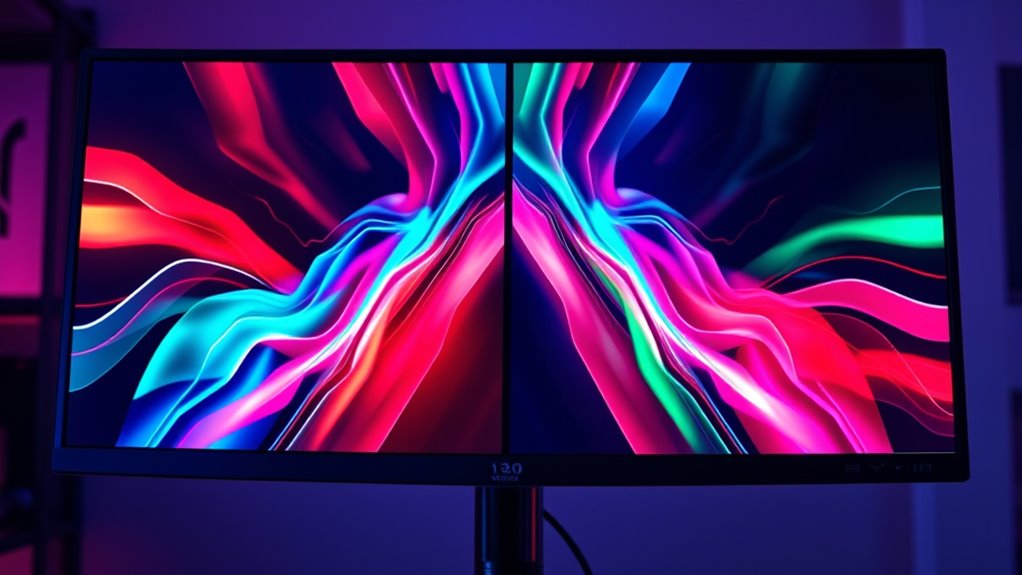

V-Sync locks your game’s frame rate to your monitor’s refresh rate to prevent tearing but can cause input lag and stuttering if your frame rate drops. Adaptive Sync, on the other hand, dynamically matches your monitor’s refresh rate to your GPU’s frame rate, reducing tearing without sacrificing responsiveness. This means smoother gameplay with less lag. If you want to understand how these technologies differ and which suits your gaming style, keep exploring the details ahead.

Get business pricing on your home office setup
- Business-only prices and quantity discounts
- Tax-exempt purchasing
- Multiple users, one account, clear invoices
Key Takeaways
- V-Sync synchronizes game frame rate with monitor’s fixed refresh rate, preventing tearing but may cause input lag.
- Adaptive Sync dynamically adjusts the monitor’s refresh rate to match the GPU’s frame rate, reducing tearing and stuttering.
- V-Sync is broadly compatible but can lead to stuttering and latency issues during frame drops; Adaptive Sync offers smoother gameplay.
- Adaptive Sync requires compatible monitors supporting AMD FreeSync or NVIDIA G-Sync, while V-Sync works on most hardware.
- For fast-paced, responsive gaming, Adaptive Sync generally provides better visual quality and lower input lag than V-Sync.
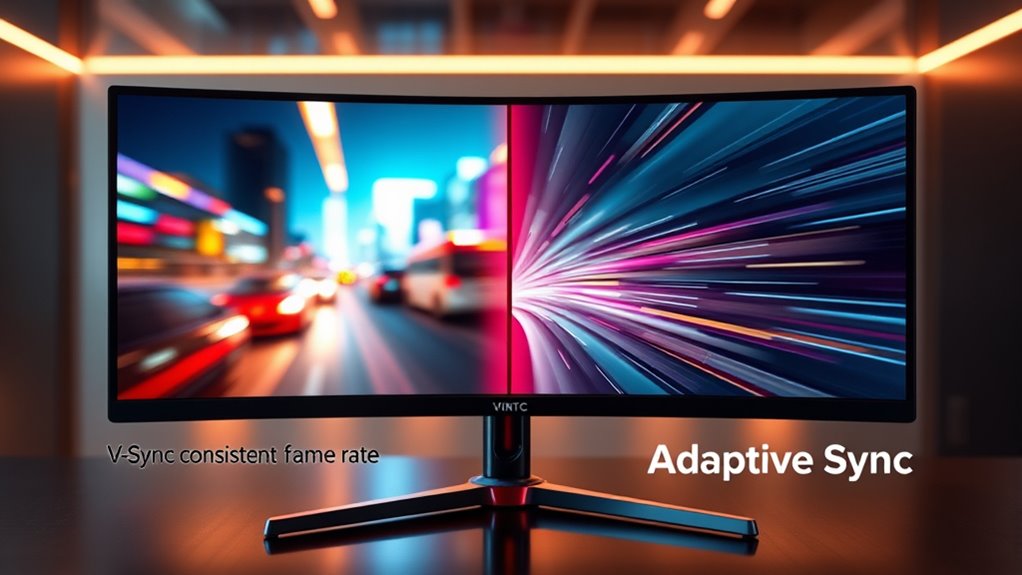
When it comes to gaming and smooth visuals, V-Sync and Adaptive Sync are two popular technologies that help prevent screen tearing. Screen tearing occurs when your graphics card sends frames to your monitor faster than the display can handle, causing a disjointed image where parts of different frames appear on the screen simultaneously. V-Sync works by synchronizing the frame rate of your game with your monitor’s refresh rate, aiming to eliminate this tearing. However, this synchronization can introduce input lag, which might make your gaming feel less responsive, especially during fast-paced action. If your frame rate drops below your monitor’s refresh rate, V-Sync can cause stuttering or noticeable delays because it forces the GPU to wait before sending new frames, impacting your reaction times and overall gameplay experience.
V-Sync synchronizes frame rate to prevent tearing but may increase input lag during fast-paced gameplay.
Adaptive Sync, on the other hand, takes a different approach. It dynamically adjusts the monitor’s refresh rate to match the frame rate output by your GPU, effectively eliminating screen tearing without the drawbacks associated with V-Sync. This technology is found in standards like AMD’s FreeSync and NVIDIA’s G-Sync. Since Adaptive Sync aligns the display refresh rate with your game’s frame rate in real-time, it reduces tearing and minimizes input lag, providing a smoother and more responsive experience. You won’t experience the stuttering or input lag spikes that can come with V-Sync, even when your frame rate fluctuates. This makes Adaptive Sync particularly appealing for gamers who want both tear-free visuals and quick response times.
However, it’s important to note that Adaptive Sync performance depends on your hardware. Not all monitors support this technology, and your GPU must be compatible as well. When it works correctly, Adaptive Sync offers a seamless experience, adjusting on the fly without disrupting gameplay. V-Sync might still be useful if you have an older monitor or GPU that doesn’t support Adaptive Sync, but you should be aware of its potential to introduce input lag, especially in fast-paced games. In contrast, adaptive solutions tend to offer a better balance by reducing both screen tearing and input delays, making your gaming sessions feel more fluid and responsive.
Ultimately, your choice between V-Sync and Adaptive Sync comes down to your hardware and your gaming priorities. If minimizing input lag is *vital* and your setup supports it, Adaptive Sync is generally the better option. If you’re limited by hardware or prefer a simpler fix, V-Sync can do the job, but be prepared for possible trade-offs in responsiveness during intense gameplay moments.
Frequently Asked Questions
Can V-Sync or Adaptive Sync Cause Input Lag?
Yes, V-Sync or Adaptive Sync can cause input lag or response delay. V-Sync, in particular, might introduce noticeable lag because it waits for the monitor to match the frame rate, delaying your input. Adaptive Sync minimizes this delay by synchronizing refresh rates dynamically, but in some cases, it can still add slight response delay. If you want the fastest response, consider turning these features off, though it might cause screen tearing.
Do All Games Support Adaptive Sync Technology?
No, not all games support adaptive sync technology, which can be a real bummer when you’re battling screen tearing and refresh rate issues. Many popular titles do, but some older or less common games might not. It’s like trying to fit a square peg in a round hole—if your game doesn’t support adaptive sync, you may still experience screen tearing and stuttering. Always check game specs before assuming compatibility!
How Do I Enable V-Sync or Adaptive Sync on My Monitor?
To enable V-Sync or Adaptive Sync, first check your monitor’s settings menu and your graphics card control panel. Turn on V-Sync in your game’s settings for flicker reduction and smoother gameplay, or enable Adaptive Sync in the graphics control panel to match your monitor’s refresh rate dynamically. Make sure your monitor supports these features and is set to the correct refresh rate for ideal flicker reduction and performance.
Which Technology Is Better for Competitive Gaming?
Think of your monitor as a race car driver. Adaptive Sync is like a skilled co-driver who keeps the car steady, reducing screen tearing and matching the refresh rate to your GPU’s output. It offers smoother gameplay, essential for competitive gaming. V-Sync can cause input lag, like a driver hesitating around corners. For fast-paced matches, Adaptive Sync is your best bet for maintaining high refresh rates and a seamless experience.
Are There Any Compatibility Issues With Older Graphics Cards?
Older hardware might face compatibility issues with Adaptive Sync or V-Sync, especially if your graphics card isn’t designed for these technologies. You should check if your graphics card supports the feature and verify your drivers are up-to-date, as outdated drivers can cause problems. Sometimes, updating your drivers can resolve compatibility issues, but if your hardware is too old, it may not support these synchronization technologies at all.
Conclusion
So, whether you find yourself enjoying smoother gameplay with V-Sync or experiencing more fluid visuals with Adaptive Sync, it’s funny how sometimes the right choice just clicks. You might start with one, only to discover the other fits your gaming style perfectly. It’s like finding the perfect playlist or that favorite snack—you didn’t realize how much it mattered until it was right there in front of you, making everything just a little better.
Fall Picks
fall essentials
As an affiliate, we earn on qualifying purchases.