Frame interpolation can help your gaming experience by making fast movement look smoother and less blurry. It generates extra frames between natural ones, creating a more seamless flow—especially on high-refresh-rate screens. However, it might also add input lag and cause a “soap opera” effect that feels unnatural. Whether it improves or hinders your gameplay depends on your game type and personal preferences. To find out more, keep exploring how motion smoothing impacts different gaming styles.
Key Takeaways
- Motion smoothing generates extra frames to create a smoother visual flow, benefiting cinematic and slower-paced games.
- It can reduce judder and motion blur, enhancing immersion during gameplay.
- However, it may introduce input lag and reduce responsiveness, which can hinder competitive gaming.
- Visual artifacts like the “soap opera effect” may distract players or diminish realism.
- Personal preference and game type determine whether enabling motion smoothing improves or worsens gaming experience.
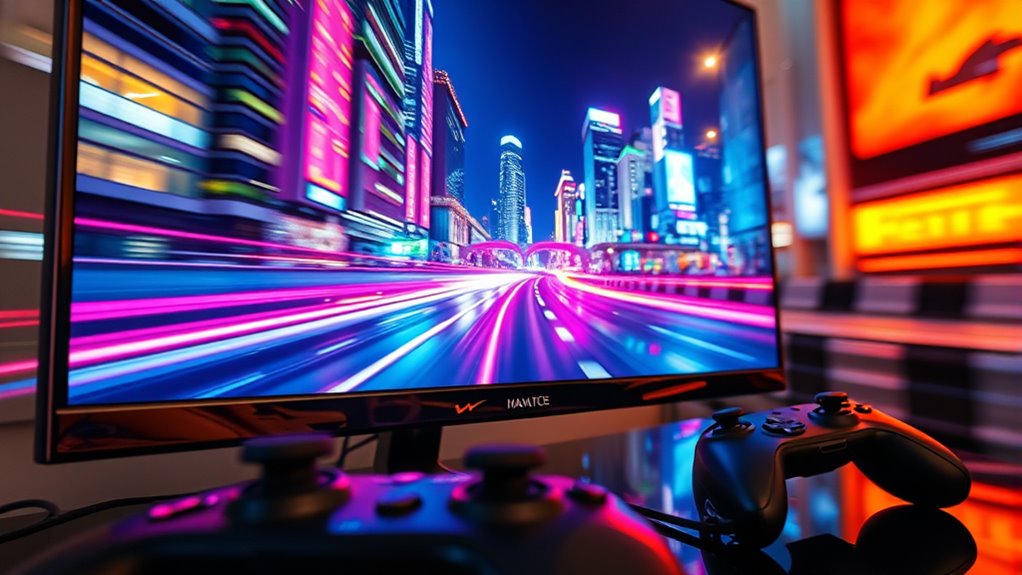
Have you ever noticed how some video games look smoother and more realistic than others? That’s often thanks to a technique called motion smoothing, which can make fast-paced action appear more fluid. Motion smoothing works by generating additional frames between the ones your system renders naturally, creating the illusion of seamless movement. It’s a trick that can enhance your gaming experience, especially on larger screens or high-refresh-rate monitors. However, it’s not without its downsides. One major concern with motion smoothing is input lag — the delay between your input and what you see on screen. When motion smoothing is active, your device processes extra frames, which can sometimes introduce a slight lag, making controls feel less responsive. If you’re playing a competitive game where timing and precision matter, this input lag can be frustrating and even detrimental to your performance.
Despite its benefits, motion smoothing can also create some visual artifacts known as “soap opera effect,” where everything appears unnaturally smooth and cinematic. While some players find this effect pleasing, others feel it diminishes the authenticity of the game’s visuals. It can make fast action seem overly smooth, leading to a loss of perceived realism and detail. Many gamers prefer to turn off motion smoothing for this reason, especially in genres like first-person shooters or fighting games, where precision is critical. But for story-driven or slower-paced titles, motion smoothing can make cutscenes and general gameplay appear more lifelike, reducing motion blur and judder. Additionally, understanding the impact of refresh rates on motion smoothing can help you optimize your gaming setup for smoother visuals.
When it comes to gaming, the decision to enable or disable motion smoothing hinges on your personal preferences and the type of game you’re playing. If you prioritize smooth visuals and have a high-refresh-rate monitor, turning it on might give you a more immersive experience. Conversely, if you’re sensitive to input lag or require sharp responsiveness, it’s often better to disable motion smoothing altogether. Keep in mind, some systems allow you to fine-tune the settings, so you can find a balance that minimizes input lag while still smoothing out motion. In the end, understanding how motion smoothing impacts both visual quality and responsiveness can help you optimize your gaming setup, ensuring you get the most out of each game without sacrificing control or realism.

NothingProjector Motorized ALR Screen for Ultra Short Throw Projector, 95% Ambient Light Rejecting, 100 inch, Floor Rising, 4K/8K UHD, Active 3D, Anti Daylight, Electric Retractable Automatic NothPJ
✔ Adjustable Height, Zero Installation – Effortlessly adjust the screen to any height with a single press of...
As an affiliate, we earn on qualifying purchases.
Frequently Asked Questions
Does Frame Interpolation Increase Input Lag in Gaming?
Yes, frame interpolation can increase input lag in gaming. When you enable motion smoothing, the system predicts and displays extra frames, which may delay your actual input response. This process can cause visual distortion and make gameplay feel less responsive. If quick reactions matter, you might want to turn off motion smoothing, as it introduces a slight delay that can negatively impact your gaming experience.
Can Frame Interpolation Cause Visual Artifacts During Gameplay?
Yes, frame interpolation can cause visual artifacts during gameplay, especially motion smoothing. You might notice ghosting artifacts where fast-moving objects leave trails or appear blurry, which can distract you and reduce clarity. These artifacts happen because the software predicts and inserts artificial frames, sometimes inaccurately. If you find these visual issues bothersome, consider disabling motion smoothing to enjoy a clearer, more authentic gaming experience.
Is Frame Interpolation Effective Across All Gaming Genres?
If you’re playing fast-paced shooters, you’ll find that motion smoothing with frame interpolation can enhance visual clarity and make fast movements smoother. For example, a case study shows gamers experience less motion blur, improving reaction times. However, in slower, detail-focused genres like puzzle games, it might add unwanted artifacts or lag. So, while effective for some genres, its usefulness varies depending on your gaming style.
How Does Frame Interpolation Impact Competitive Gaming Performance?
Frame interpolation can negatively impact your competitive gaming performance by introducing motion smoothing that causes input lag and reduces visual clarity. You might notice delayed reactions and blurred fast-moving objects, making it harder to aim accurately or react swiftly. If you’re serious about competitive play, it’s best to disable motion smoothing settings, ensuring your gameplay remains sharp and responsive, giving you a competitive edge.
Are There Any Hardware Requirements for Implementing Frame Interpolation?
Implementing frame interpolation is like fitting puzzle pieces together, so you’ll need compatible hardware. You should check your display’s hardware compatibility and guarantee your graphics card supports the feature. Additionally, look into the software requirements; some systems need specific drivers or firmware updates. If your hardware and software meet these needs, activating frame interpolation becomes straightforward, giving you smoother visuals for gaming.

Valerion StreamMaster Plus 4K Laser Projector - 300" IMAX Enhanced Home Theater, 4ms |240Hz Response, Gaming Projector with 3D & Dolby Vision, HDR10, GTV, Smart Home & AI Assistant
Speed and Power Like Never Before - Experience unmatched speed with the AI-9618 chipset, 4GB RAM/ 128GB ROM—delivering...
As an affiliate, we earn on qualifying purchases.
Conclusion
While some might think frame interpolation makes games look unnatural, it actually smooths out fast motion, making gameplay clearer. Imagine you’re racing; without interpolation, motion can blur, but with it, everything looks crisp and fluid. You’ll notice fewer jitters and more realistic movement, enhancing your experience. So, if you want smoother gameplay without sacrificing clarity, frame interpolation can be a game-changer—just like upgrading from a blurry photo to a sharp one.

SilverMagic ALR/CLR Motorized Floor Rising Projector Screen for UST Projectors 100”, 95% Ambient Light Rejecting, 4K/8K Ultra HD, Active 3D, for Home Theater Living Room Bedroom Office
★【95% ALR】The precision-engineered optical surface’s micro-structure rejects up to 95% of ambient light, preserving vivid colors, deep contrast,...
As an affiliate, we earn on qualifying purchases.

GT GETCO TECH Projector Screen with Stand, 150 Inch Indoor Outdoor Projector Screen, Movie Screen with Carry Bag for Home Theater
♥Upgraded 2024 Version: The projector screen is made of high-quality materials, with a high-strength iron frame and a...
As an affiliate, we earn on qualifying purchases.