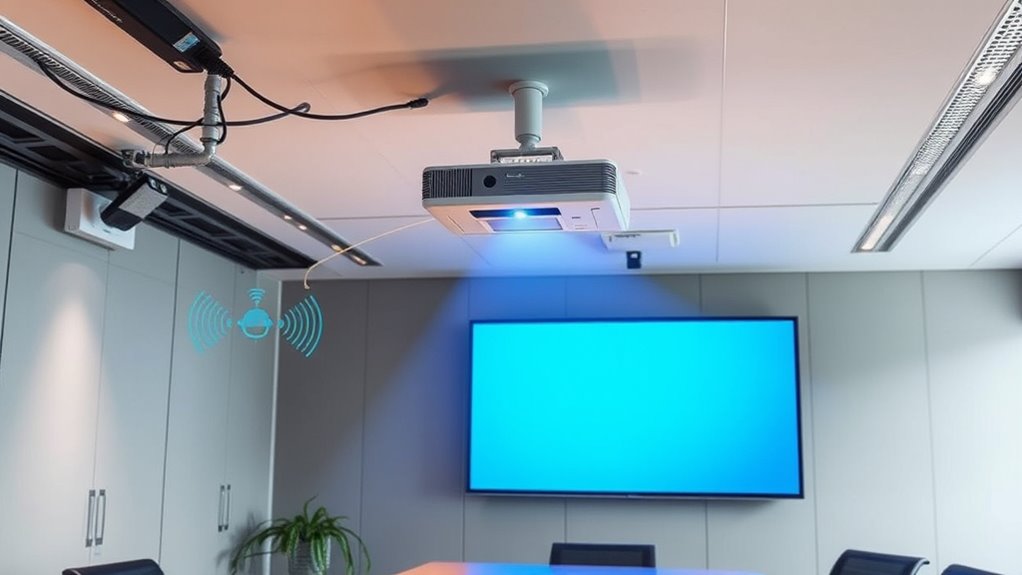

To reduce interference in your wireless projector system, start by positioning your projector and transmitters in clear line-of-sight locations away from other electronic devices. Select less congested Wi-Fi channels and turn off nearby gadgets that may cause signal clashes. Keep obstacles like walls and furniture out of the signal path, and consider using wired connections if possible. Managing these factors will greatly improve your connection stability—stay with us to discover more effective tips.

Get business pricing on your home office setup
- Business-only prices and quantity discounts
- Tax-exempt purchasing
- Multiple users, one account, clear invoices
Key Takeaways
- Select less congested Wi-Fi channels and frequency bands to minimize overlap and interference.
- Position transmitters and projectors in clear line-of-sight locations away from other wireless devices.
- Turn off unnecessary electronic gadgets emitting interfering signals during presentations.
- Use wired connections or high-gain antennas to strengthen signal stability and reduce attenuation.
- Regularly update device firmware and utilize quality wireless equipment for optimal performance.
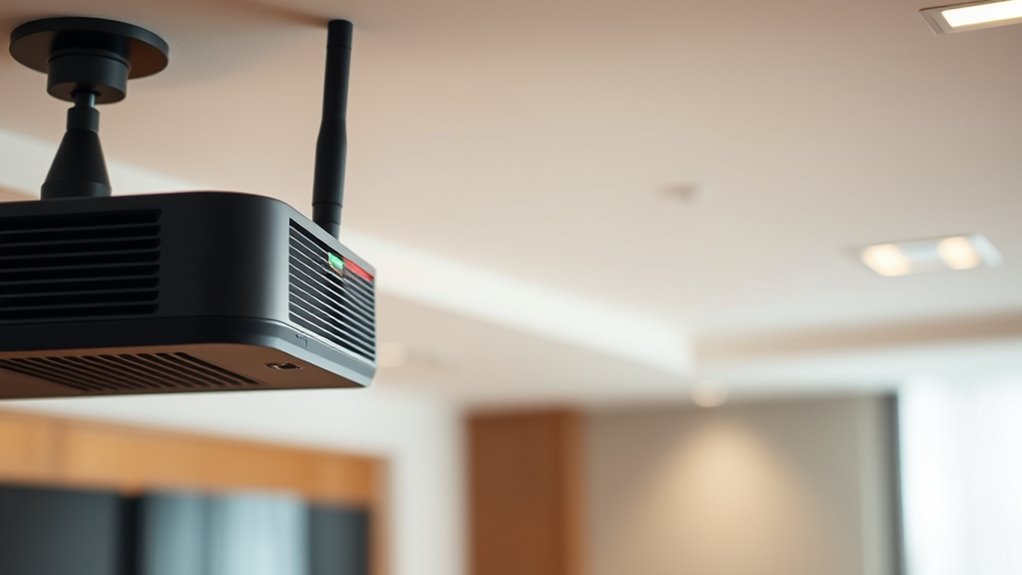
Have you ever experienced a blurry image or unexpected disconnections during a presentation? If so, you’re likely dealing with interference issues that disrupt your wireless projector system. One common culprit is frequency interference, which occurs when multiple devices operate on the same or overlapping frequency bands. This interference can cause your signal to become unstable, resulting in poor image quality or dropped connections. Alongside this, signal attenuation plays a crucial role in reducing the strength of your transmission over distance or obstacles, making your wireless connection more vulnerable to disruptions. Understanding these problems is the first step toward minimizing their impact.
Frequency interference happens when other electronic devices—like Wi-Fi routers, Bluetooth gadgets, or even microwave ovens—use similar frequencies to your wireless projector. When these signals collide, they scramble your transmission, leading to a blurry or flickering image and unpredictable disconnections. To combat this, it’s vital to identify the channels your devices occupy and select a less congested frequency band. Many projectors and wireless transmitters allow you to manually change channels, which can markedly reduce interference. Additionally, avoiding crowded frequency environments, such as conference rooms with multiple wireless devices, can help maintain a stable connection.
Identify device channels and switch to less congested frequencies to reduce interference and improve connection stability.
Signal attenuation also contributes to poor performance, particularly if your projector is far from the transmitter or if there are obstacles like walls or furniture blocking the signal path. As the signal weakens over distance or through obstructions, you’ll notice a decline in image clarity and increased lag or disconnection issues. To address this, position your wireless transmitter and projector as close as possible, ideally in a clear line of sight. Using high-gain antennas or signal repeaters can also boost signal strength, ensuring that your data maintains its integrity over longer distances. Proper placement reduces the effects of signal attenuation and improves overall reliability.
Another effective strategy involves minimizing sources of interference and attenuation in the environment. Keep other wireless devices away from your projector system during presentations, and turn off unnecessary gadgets that might emit interfering signals. Using wired connections where feasible provides a more stable alternative, especially in interference-prone areas. Regularly updating your projector’s firmware and using quality, certified wireless transmitters can also help optimize performance and lessen the impact of both frequency interference and signal attenuation. Additionally, choosing projectors with high refresh rates can improve the overall image quality and reduce artifacts caused by interference.
In essence, reducing interference in wireless projector systems requires a combination of strategic placement, environment management, and device configuration. By understanding how frequency interference and signal attenuation affect your connection, you can take targeted steps to ensure your presentations run smoothly, with clear images and uninterrupted performance.
Frequently Asked Questions
How Do Different Wireless Standards Impact Projector Interference?
Different wireless standards use various wireless frequencies, which directly impact signal stability and interference levels. For example, Wi-Fi 5 operates on 2.4 GHz and 5 GHz, with 5 GHz offering less interference and more stability. Bluetooth, on 2.4 GHz, can interfere with these signals. Choosing a standard that minimizes overlapping wireless frequencies helps you maintain better signal stability, reducing projector disruptions and ensuring smoother presentations.
Can Weather Conditions Affect Wireless Projector Signals?
Weather impact can definitely affect wireless projector signals. Heavy rain, fog, or thunderstorms can cause signal disruption, leading to blurry images or lag. Wind and humidity may also weaken the wireless connection, especially if your system relies on long-range signals or less robust standards. To minimize issues, make sure your equipment is weather-resistant, and consider using a wired connection during severe weather to maintain a stable display.
Are There Specific Brands Better at Reducing Interference?
In a flash, some brands excel at reducing interference, making your setup smoother. You’ll want to look for models known for superior interference mitigation and strong brand compatibility. Brands like Epson, BenQ, and Sony often lead in this area, offering advanced features that minimize signal disruptions. Keep in mind, choosing a reputable brand can be your best bet for a reliable wireless projector experience with fewer hiccups.
How Does Room Size Influence Wireless Projector Performance?
Room size can greatly impact your wireless projector’s performance. Larger rooms with poor acoustics and cluttered furniture arrangements may cause signal drops or lag. In smaller, well-organized spaces, signals travel more effectively, reducing interference. To optimize performance, consider adjusting your furniture layout to minimize obstacles and improve room acoustics. This helps guarantee a stable connection, clearer image transmission, and a smoother presentation experience in any room size.
What Are the Long-Term Effects of Interference on Projector Lifespan?
Interference acts like rust on metal, slowly corroding your projector’s lifespan. Over time, persistent interference weakens internal components, making them more prone to failure. Implementing interference mitigation strategies helps shield your device, preserving projector durability. Ignoring interference risks short-term glitches that snowball into long-term damage, reducing your projector’s effectiveness and lifespan. Stay vigilant, use proper mitigation tactics, and protect your investment from interference’s silent, destructive toll.
Conclusion
By understanding how to detect interference, by implementing effective solutions, and by maintaining your system regularly, you guarantee a seamless projection experience. You create clarity, foster focus, and enhance engagement. You eliminate disruptions, empower presentations, and boost confidence. Take control of your wireless projector system today—reduce interference, improve performance, and enjoy smooth, uninterrupted visuals every time. Because when your technology works flawlessly, your message resonates stronger, and your audience stays engaged longer.
Columbus Day / Indigenous Peoples' Day Picks
long weekend sales
As an affiliate, we earn on qualifying purchases.