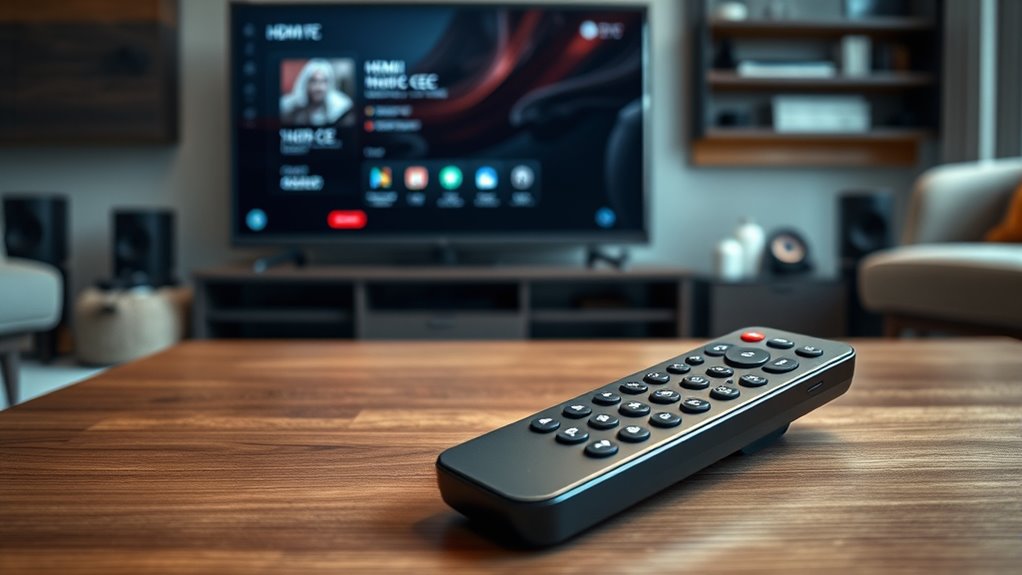

If you want simple control over your home theater, a universal remote lets you manually program and customize commands for all your devices, offering flexibility but requiring setup time. HDMI-CEC allows devices to communicate and be controlled with a single remote through HDMI connections, providing quick, minimal setup but less customization. Both options can streamline your experience; discover how each might fit your needs to make controlling your home theater easier.

Get business pricing on your home office setup
- Business-only prices and quantity discounts
- Tax-exempt purchasing
- Multiple users, one account, clear invoices
Key Takeaways
- Universal remotes offer extensive device control and customization, ideal for complex setups and personalized preferences.
- HDMI-CEC provides quick, plug-and-play device control over HDMI cables with minimal configuration needed.
- Universal remotes require programming and can be more complex initially, while HDMI-CEC setup is typically simpler.
- HDMI-CEC’s reliability depends on device compatibility and may behave unpredictably with multiple connected devices.
- Choose universal remotes for detailed control and customization; opt for HDMI-CEC for straightforward, cable-based operation.
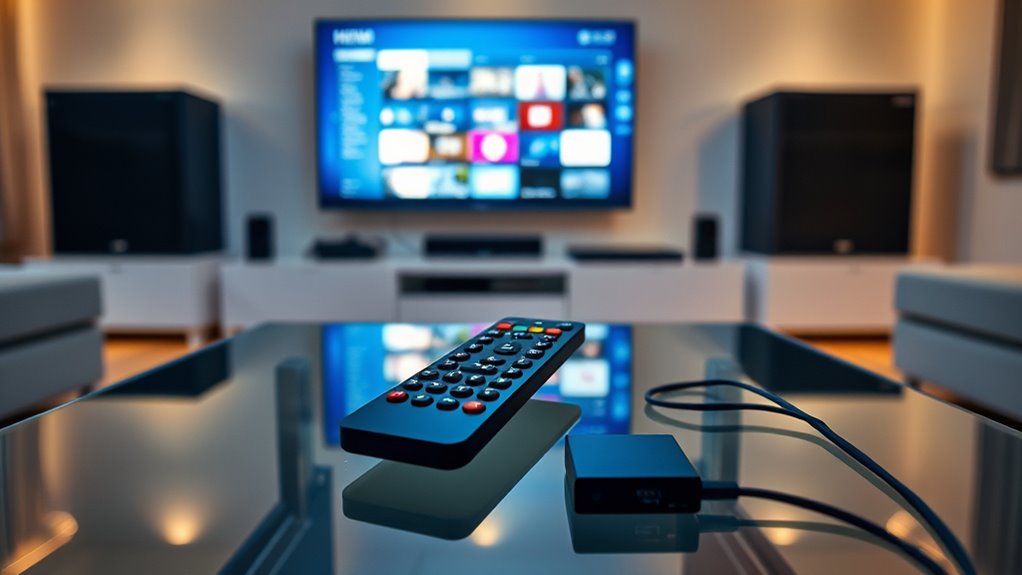
When setting up a home theater, choosing the right remote control can make a big difference in your viewing experience. The way you control your devices impacts convenience, ease of use, and how seamlessly your entertainment system operates. Two common options are universal remotes and HDMI-CEC technology. Each has its strengths and limitations, so understanding them helps you decide which suits your setup best.
Universal remotes are designed to replace multiple remotes with a single device. They can control your TV, sound system, Blu-ray player, streaming devices, and more. The main advantage is customization; you can program them to work with nearly everything, reducing clutter and simplifying your control scheme. Setting up a universal remote involves programming it with codes for each device or using learning functions to mimic your existing remotes. Once configured, you get a centralized control point, making it easier to switch inputs, adjust volume, or power devices on and off without juggling multiple remotes. However, this setup process can sometimes be time-consuming, especially if devices are old or have obscure codes. Additionally, universal remotes may require periodic reprogramming if they lose sync or if firmware updates are needed. They also often come with more buttons, which can feel overwhelming if you prefer a minimalist interface. Programming and customization are key benefits that appeal to tech-savvy users. Moreover, the complexity of setup can be mitigated by learning functions that allow remotes to copy existing remote signals, simplifying configuration. For advanced users, some universal remotes support smart home integration, expanding control beyond entertainment devices.
Universal remotes replace multiple devices, offering customization but may require time and effort to set up and reprogram.
On the other hand, HDMI-CEC (Consumer Electronics Control) offers a more streamlined approach by utilizing your existing HDMI connections. When devices support HDMI-CEC, they communicate over the HDMI cable, allowing you to control multiple devices with a single remote—usually the remote for your TV. For example, turning on your TV can automatically power on your soundbar and Blu-ray player, and changing the volume on your TV remote adjusts the sound system. Setting up HDMI-CEC is generally quick; most modern devices have it enabled by default or require a simple activation in settings. The main benefit is simplicity and integration—once set up, you can control multiple devices without extra hardware or programming. But, HDMI-CEC’s functionality depends heavily on device compatibility and proper configuration. Some devices may not fully support CEC commands, leading to inconsistent control or failures. Also, HDMI-CEC can sometimes be unreliable or behave unpredictably, especially if multiple devices try to control each other or if firmware issues occur. Compatibility considerations are important when relying solely on HDMI-CEC for control. To improve reliability, keeping firmware updated and understanding device-specific CEC implementations can be helpful.
In the end, your choice depends on your preferences and system complexity. If you want comprehensive control and customization, a universal remote might be better, especially if you’re comfortable with programming. If you prefer a straightforward, cable-based solution that minimizes clutter and setup time, HDMI-CEC is an appealing option. Both approaches aim to simplify your control, but understanding their differences helps you create a more seamless, enjoyable home theater experience.
Frequently Asked Questions
Can I Use Both Universal Remotes and HDMI-CEC Together?
Yes, you can use both a universal remote and HDMI-CEC together. The universal remote controls your devices manually, while HDMI-CEC allows devices to communicate and be controlled through HDMI connections. Using both can enhance convenience, letting you operate your home theater with a single remote while maintaining manual control when needed. Just verify HDMI-CEC is enabled on your devices, and your universal remote is programmed for compatibility.
Do All Devices Support HDMI-CEC Functionality?
Ever wonder if your devices support HDMI-CEC? The truth is, not all do, and compatibility varies widely. Some brands embrace this feature fully, letting you control multiple gadgets seamlessly, while others offer limited or no support. Checking your device’s specs or settings is essential before expecting smooth control. So, don’t assume—investigate each device individually to access the full potential of your home theater system.
How Secure Is HDMI-CEC Against Hacking?
You wonder how secure HDMI-CEC is against hacking. While it simplifies device control, HDMI-CEC wasn’t designed with strong security features. Hackers could potentially exploit vulnerabilities to take control of connected devices or intercept signals. To stay safe, you should keep firmware updated and disable HDMI-CEC when not in use. Remember, no technology is completely foolproof, so always remain cautious about potential security risks.
What Is the Cost Difference Between Universal Remotes and HDMI-CEC?
You want to know the cost difference between universal remotes and HDMI-CEC. Universal remotes can range from $20 to over $300, depending on features and brand, making them a flexible but sometimes pricey option. HDMI-CEC, on the other hand, is built into your existing HDMI devices, so there’s no extra cost. Overall, HDMI-CEC is more budget-friendly, while universal remotes offer more advanced control at a higher price.
How Easy Is It to Set up HDMI-CEC on Existing Devices?
Setting up HDMI-CEC on your existing devices is usually straightforward. You just need to enable CEC in each device’s settings, which is often found in the HDMI or system options. Once activated, your devices should automatically communicate and control each other. However, compatibility varies, so check your device manuals. Overall, it’s a simple process that can considerably streamline your home theater experience without extra hardware.
Conclusion
So, whether you wield a universal remote like a Swiss Army knife or let HDMI-CEC handle the chaos like a tiny, obedient robot, both promise to tame your home theater jungle. Just remember, one might make you feel like a tech wizard, while the other guarantees your devices play nice—most of the time. Either way, you’re the conductor of this chaotic symphony, guiding your gadgets with a flick—or a click.
Halloween Picks
halloween
As an affiliate, we earn on qualifying purchases.