To stream music through your home theater system, you can connect via Bluetooth for quick, portable listening, or use Wi-Fi to access streaming apps directly on your receiver. Alternatively, connect your device with an optical or HDMI cable for reliable, high-quality sound. Many modern systems also have built-in app support for popular services like Spotify or Tidal. Explore these options to get the best sound and enjoy your favorite tunes seamlessly.

Get your home office setup delivered free — and shop member deals
- Fast, free delivery on millions of items
- Access to Prime Big Deal Days deals on October 6–7
- Prime Video, Amazon Music and more included
Key Takeaways
- Use Bluetooth to quickly connect your mobile device to the home theater system for portable streaming.
- Connect your device via Wi-Fi and utilize the receiver’s built-in streaming apps for seamless music access.
- Opt for digital outputs like optical or HDMI for high-quality, reliable audio transmission from computers or smart devices.
- Download and use the manufacturer’s app to control streaming services directly through your home theater receiver.
- Ensure your device and receiver are on the same Wi-Fi network for smooth, uninterrupted music playback.
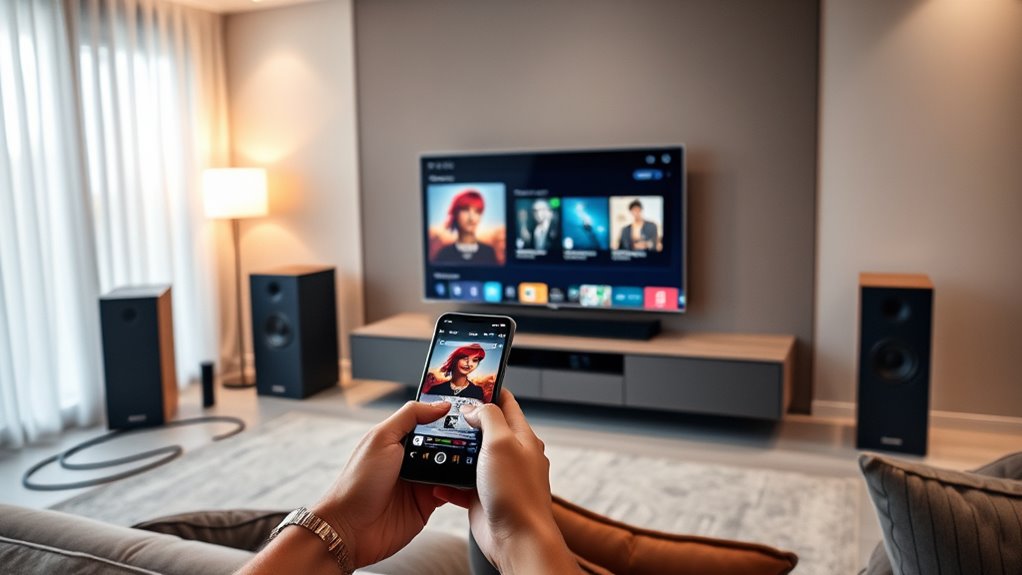
Ever wondered how to enjoy your favorite music with the immersive sound quality of your home theater system? The good news is, it’s easier than you might think. You don’t need complicated setups or expensive gear—just a few simple steps to get your music streaming seamlessly through your home theater speakers. First, determine what streaming service or device you want to use. Popular options include Spotify, Apple Music, Amazon Music, or even your personal collection stored on a network-attached storage device. Many modern home theater systems support Bluetooth, Wi-Fi, or wired connections, so choose the one that best fits your setup.
If your system has Bluetooth capability, connecting your device is straightforward. Enable Bluetooth on your phone, tablet, or computer, then put your home theater system into pairing mode. Once it appears on your device’s list, select it, and your music will start streaming through your speakers. This method is quick and portable—perfect for casual listening. If you prefer a more stable connection or want higher audio quality, Wi-Fi streaming is ideal. Many home theater receivers support Wi-Fi streaming services directly or can be connected via apps. You can download the manufacturer’s app, which usually offers an intuitive interface to browse and play your favorite tracks. Alternatively, if your home theater system has an Ethernet port, connecting it directly to your network with a wired connection can provide the most reliable and high-quality audio experience.
Another option is using a digital audio output from your device. For example, if you own a computer or a smart device with an optical or HDMI output, connect it directly to your home theater receiver. HDMI is especially convenient because it transmits both high-quality audio and video, making it a great choice if you’re streaming music from a computer or media player. Once connected, select the appropriate input on your home theater receiver, and your device’s audio will play through your system’s speakers.
If your home theater supports streaming apps directly, you can log into your preferred service through the receiver’s interface. Many modern units come with built-in apps for Spotify, Tidal, or other services, letting you browse and select music right from your remote. Whichever method you choose, confirm your device and home theater are on the same Wi-Fi network for smooth playback. With these simple steps, you can turn your home theater system into a powerhouse for music, filling your space with rich, immersive sound that transforms your listening experience.
Frequently Asked Questions
Can I Stream Music From My Smartphone to My Home Theater System?
You can definitely stream music from your smartphone to your home theater system. Most systems support Bluetooth or Wi-Fi connections, making it easy to connect wirelessly. Simply enable Bluetooth on your phone and pair it with your system, or connect via a Wi-Fi app if your system supports it. Once connected, select your home theater system as the audio output, and enjoy your favorite tunes seamlessly.
What Are the Best Wireless Protocols for High-Quality Audio Streaming?
Think of wireless protocols as the highways for your music, guiding high-quality sound smoothly to your system. Bluetooth is common but can compress sound, while Wi-Fi offers faster, clearer streams ideal for high-res audio. For the best experience, go with Wi-Fi-based solutions like DLNA or Chromecast, which deliver richer, more detailed sound without sacrificing quality. These highways keep your music flowing seamlessly, turning your home into a concert hall.
Is It Possible to Stream Multiple Music Sources Simultaneously?
Yes, you can stream multiple music sources simultaneously, but it depends on your system’s capabilities. Many modern home theater setups support multi-room or multi-zone audio, allowing you to play different tracks in separate areas. Use compatible streaming apps or multi-zone receivers to manage multiple sources. Make sure your network is robust to handle the data, and check your device’s specifications for multi-stream support.
How Do I Troubleshoot Connectivity Issues During Streaming?
When you face connectivity issues during streaming, first check your Wi-Fi signal strength and make certain your device and home theater system are on the same network. Restart your router and streaming device to refresh the connection. Verify firmware updates for your system. If problems persist, move devices closer together or reduce interference from other electronics. These steps help stabilize your connection and improve streaming performance.
Do I Need Special Equipment for Lossless Audio Streaming?
Ever wonder if you need special gear for lossless audio? The answer is yes, but it’s simpler than you think. To enjoy true lossless quality, you’ll want a high-speed internet connection, a compatible streaming service, and a device that supports lossless formats like FLAC or ALAC. Additionally, a DAC (Digital-to-Analog Converter) can enhance sound quality. Upgrading these components guarantees you experience music just as artists intended.
Conclusion
Now that you know how to stream music through your home theater system, you can easily transform your space into a concert hall. Whether you’re relaxing alone or entertaining guests, your setup becomes as seamless as a well-conducted orchestra. With a few simple steps, you turn your living room into a personalized music haven. So, go ahead, press play, and enjoy the rich, immersive sound that fills your home like a symphony in full swing.
Fall Picks
fall essentials
As an affiliate, we earn on qualifying purchases.