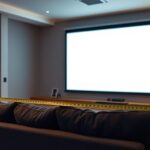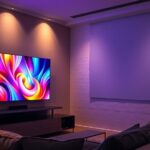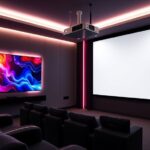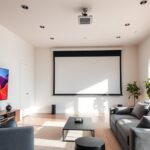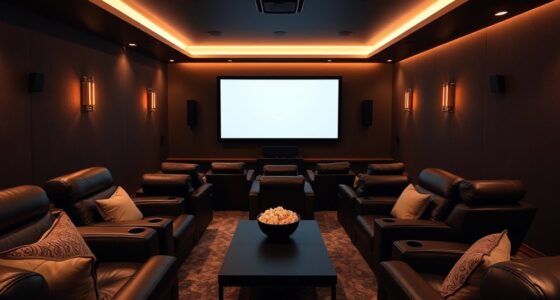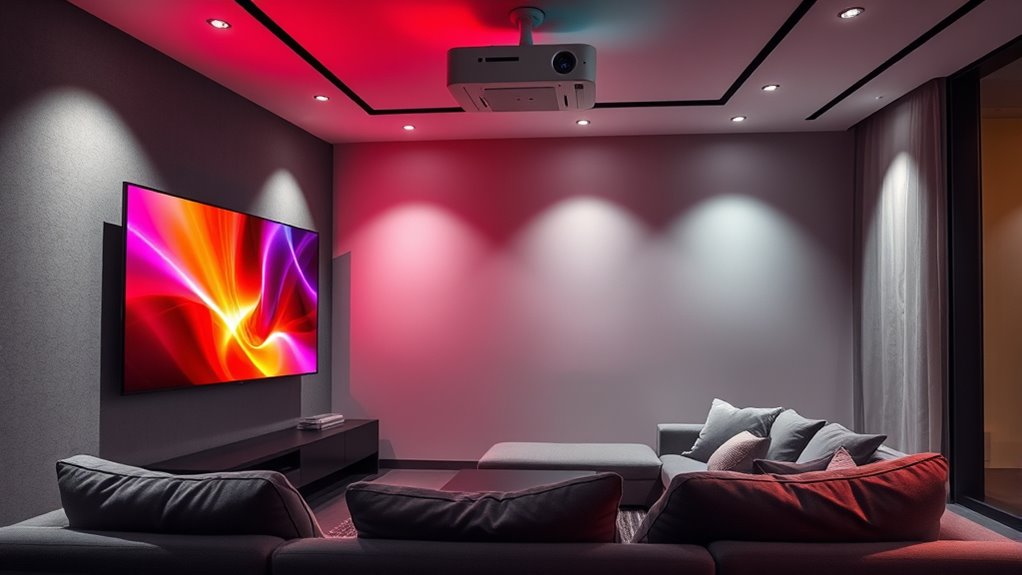
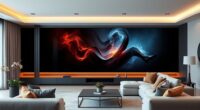
If you’re choosing between a projector and a TV for your home cinema, consider how much screen size you want and your room’s lighting conditions. Projectors offer larger, immersive screens but need darker rooms and more setup effort. TVs are easier to install and perform well in various light, but typically have smaller screens. Think about your space, setup comfort, and picture quality preferences—exploring these factors further can help you make the best choice.
Key Takeaways
- Opt for a projector if you desire a large, immersive screen size exceeding 100 inches for a cinematic experience.
- Choose a TV for easier setup, quick device connections, and consistent image quality in various lighting conditions.
- Consider room size and lighting; projectors need darker rooms and ample space, while modern TVs perform well in brighter environments.
- Projectors require more complex installation and calibration, whereas TVs are straightforward to mount and use.
- Prioritize room layout and personal preferences: large screens favor projectors, while convenience favors TVs.

When setting up a home cinema, choosing between a projector and a TV can considerably impact your viewing experience. A key factor to contemplate is screen size. Projectors typically offer much larger displays, often ranging from 100 inches to over 300 inches, allowing you to create a true cinematic feel right in your living room. If you love the idea of immersing yourself in expansive visuals, a projector might be the way to go. On the other hand, modern TVs, especially large LED or OLED models, can now reach impressive sizes—up to 85 inches or more—though they usually don’t match the sheer scale of a projector. Your decision may hinge on how large you want your screen to be and whether you’re comfortable with a slightly smaller display.
Another important aspect is installation complexity. Setting up a projector often involves more planning and effort. You need a suitable space with enough room for projection distance and a blank, flat surface or screen to project onto. Mounting the projector on the ceiling or placing it on a stable surface can add to the complexity. Additionally, you might need to calibrate the focus, keystone correction, and ensure proper alignment for a clear, distortion-free image. This process can be intimidating if you’re not technically inclined. Conversely, installing a TV is generally straightforward. Just find a suitable spot on the wall or a sturdy stand, connect your devices, and you’re ready to go. No need to worry about alignment, focus, or ambient light interference to the same extent as with a projector. Moreover, light control is less critical with modern TVs, making them more adaptable to various room conditions.

Official Licensed Google TV Smart Projector, HAPPRUN 4K UHD Home Theater with Dolby Sound, Wi-Fi & Bluetooth, Built-in Streaming Apps, Compatible with Games Consoles & Smartphone, Indoor & Outdoor Use
[ Built-in Official Licensed Google TV ] - Without additional equipment, the smart projector can directly access Netflix,...
As an affiliate, we earn on qualifying purchases.
Frequently Asked Questions
Which Option Offers Better Color Accuracy for Movies?
A TV generally offers better color accuracy for movies because of advanced display technology and precise color calibration. Modern LED and OLED TVs deliver vibrant, accurate colors, making your viewing experience more immersive. Projectors might struggle with color consistency, especially in well-lit rooms. If you prioritize color fidelity, a high-quality TV with professional calibration will give you sharper, more true-to-life images for your home cinema setup.
How Does Ambient Light Affect Projector vs. TV Viewing?
Ambient light markedly impacts your viewing experience, especially with projectors and TVs. Bright ambient brightness can cause screen glare, making images look washed out on a projector, while a TV’s screen is more resistant to ambient light. If you have a bright room, a TV is better since it handles ambient brightness and screen glare more effectively. For darker rooms, projectors shine, offering a cinematic experience with less concern about ambient light.
What Are the Maintenance Requirements for Projectors?
To keep your projector performing at its best, you need to regularly check its screen brightness and clean the lens gently. Dust buildup can dim the image, so lens cleaning is essential to maintain clarity. Additionally, replace the lamp as recommended by the manufacturer to avoid dimming over time. Proper maintenance guarantees vivid visuals and extends the life of your projector, making your home cinema experience consistently enjoyable.
Can Projectors Be Used Outdoors Effectively?
Yes, projectors can be used outdoors effectively if you set up properly. For outdoor setups, consider weather considerations like rain and humidity, which can damage your equipment. Use a weatherproof screen and keep the projector sheltered under a canopy or cover. Make sure to choose a projector with bright lumens to combat ambient light, and use a stable power source to guarantee continuous fun during your outdoor movie nights.
Which Device Has a Longer Lifespan Overall?
A TV generally has a longer lifespan overall compared to a projector. TVs don’t require frequent bulb replacements, which can wear out after around 5,000 to 20,000 hours of use. While projectors might need screen cleaning and bulb replacements over time, their bulbs tend to burn out sooner, reducing their lifespan. So, if longevity matters most, a high-quality TV is usually the better choice for your home cinema.

Epson Home Cinema 980 3-Chip 3LCD 1080p Projector 4,000 Lumens Color and White Brightness, Streaming/Gaming/ Media Room, Built-In Speaker, Auto Picture Skew, 16000:1 Contrast, 2 HDMI Ports
Exceptional Picture Quality — Provides stunning, detailed 1080p images and fast data processing that’s optimized for fast-action sports,...
As an affiliate, we earn on qualifying purchases.
Conclusion
Think of your home cinema as a canvas awaiting your masterpiece. A TV offers vibrant, detailed strokes, like a vivid painting you can admire up close. A projector, on the other hand, is like a grand mural that transforms your wall into a cinematic adventure, big and immersive. Your choice depends on whether you prefer the intimacy of a detailed portrait or the sweeping grandeur of a mural—either way, your perfect scene awaits to come alive.
![Projector with 5G WiFi and Bluetooth, Native 1080P Projector[Projector Screen Included], Full HD 18000LM Movie Projector, 100" Display Home Theater, Compatible with Phone/Laptop/TV Stick](https://m.media-amazon.com/images/I/51tJ+dTl5qL._SL500_.jpg)
Projector with 5G WiFi and Bluetooth, Native 1080P Projector[Projector Screen Included], Full HD 18000LM Movie Projector, 100" Display Home Theater, Compatible with Phone/Laptop/TV Stick
【2.4G/5G Dual-Band Wifi & Bluetooth Connection】 Roconia projector supports screen mirroring on iOS, Android and Windows devices without...
As an affiliate, we earn on qualifying purchases.

2000 ANSI 4K Decoding Projector with WiFi and Bluetooth, HAPPRUN Movie Home Theater with Auto Focus, 300'' Display for Indoor/Outdoor, Smart Proyector Compatible with Phone/TV Stick/PC/PS5
[EASIER OPERATION: AI Smart Screen Adjustment] HAPPRUN projector comes with auto focus and 6D auto-keystone technology, enjoy a...
As an affiliate, we earn on qualifying purchases.