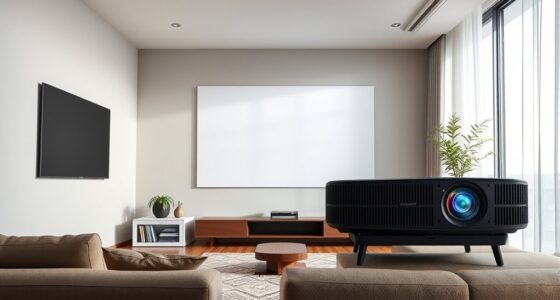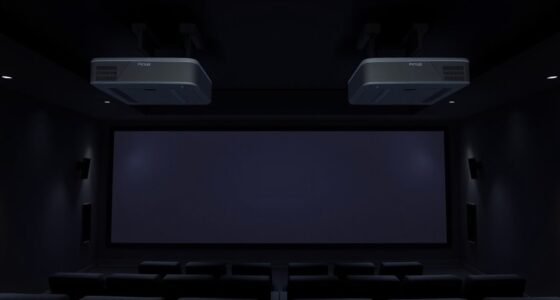
To choose the ideal projector screen size for your room, consider your space, projector brightness, and ambient light. Measure the distance from your seating to the wall and use the rule of multiplying this distance by 0.8 to find the suggested diagonal size. Make sure the screen isn’t too big for your space or lighting conditions to avoid washed-out images. If you want to learn more about fine-tuning your setup, keep exploring the key factors involved.
Key Takeaways
- Measure your room’s available space and seating distance to determine a comfortable screen size.
- Consider your projector’s resolution and brightness to ensure the screen size maintains image clarity.
- Assess room lighting conditions; darker rooms allow larger screens, while bright rooms benefit from smaller sizes.
- Use the viewing distance rule (multiply distance by 0.8) to estimate an optimal diagonal screen size.
- Balance screen size with projector capabilities and room environment for the best viewing experience.
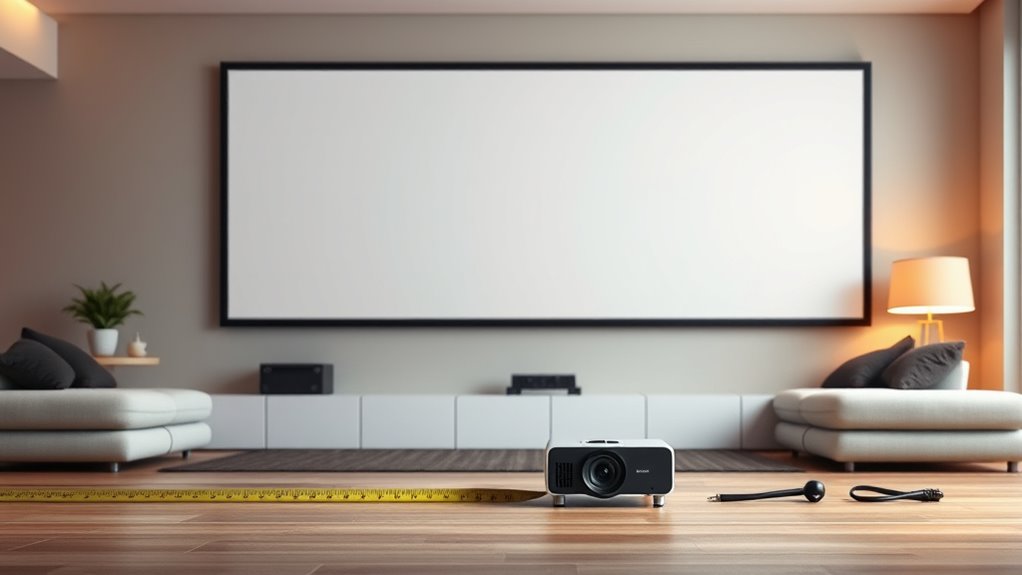
Selecting the right projector screen size is essential to guarantee a satisfying viewing experience, whether you’re setting up a home theater or a presentation space. The ideal size depends heavily on factors like projection quality and room lighting conditions. When considering projection quality, bigger isn’t always better; larger screens require higher resolution and brightness to maintain sharp images and vibrant colors. If your projector isn’t powerful enough, a large screen may produce a washed-out or blurry picture, diminishing your viewing pleasure. Conversely, if your projector has a high lumen output, you can comfortably go larger without sacrificing clarity.
Room lighting plays a pivotal role in determining the ideal screen size. In a dark room, you can opt for a bigger screen because minimal ambient light allows the image to stay crisp and vivid. Bright environments, however, demand a smaller screen to prevent the image from becoming washed out or dull. If you have windows or light sources that can’t be controlled, choosing a smaller screen helps guarantee your projection remains clear and visible. You should also consider the placement of your seating. If your seats are close to the screen, a smaller size might be more comfortable and immersive, whereas larger screens work well in spacious rooms where viewers are farther away.
Another important aspect is the aspect ratio and the viewing distance. A common rule of thumb is to multiply the viewing distance by 0.8 to find the ideal diagonal screen size. For example, if you sit 10 feet away, a screen around 80 inches diagonally provides a good balance between immersion and clarity. Keep in mind that this rule adapts based on the room’s lighting and your projector’s brightness. If your projector has a high lumen rating, you can comfortably go beyond this guideline, creating a more cinematic experience. If the room is brightly lit or has unavoidable ambient light, you might need a smaller screen to maintain a high projection quality, or consider adding blackout curtains to improve image clarity.
Ultimately, choosing the right projector screen size is about balancing projection quality, room lighting, and seating arrangement. Measure your space carefully, assess your projector’s capabilities, and consider how much ambient light your room gets. Taking these factors into account ensures you select a screen size that delivers sharp, vibrant images without sacrificing comfort or clarity. This way, you’ll enjoy an ideal viewing experience tailored specifically to your room’s conditions.

XHF 120 PCS Adhesive Cable Wire Clips Black, Outdoor Christmas Light Clips, Cable Management Wire Organizer Cord Holder for Under Desk, Car, Wall, TV PC Ethernet Cable
- High quality material:XHF Adhesive Cable Clips are manufactured...
- Widely used: USB Cable, Ethernet Cable, Outdoor...
- Size: Base 5/8" x 5/8", inner...
As an affiliate, we earn on qualifying purchases.
Frequently Asked Questions
How Does Room Lighting Affect Screen Size Choice?
Room lighting greatly impacts your screen size choice since ambient lighting can cause screen glare, making smaller screens harder to see clearly. In bright rooms, opt for a larger screen to improve visibility and reduce glare effects. Conversely, in darker spaces, smaller screens work well without sacrificing picture quality. You want a size that balances brightness and glare, ensuring an immersive viewing experience without straining your eyes.
What Is the Ideal Viewing Distance for Different Screen Sizes?
Did you know that the ideal viewing distance is roughly 1.5 to 2.5 times the screen diagonal? For different screen sizes and aspect ratios, this means adjusting your seating. With a standard 16:9 aspect ratio, a 100-inch screen needs about 12.5 to 20 feet. Keep in mind your projector’s throw distance, ensuring it matches your room size for sharp images and comfortable viewing.
Can a Larger Screen Cause Image Distortion?
A larger screen can cause image distortion if your projector isn’t powerful enough or if the image isn’t properly calibrated. You might also notice increased screen glare and issues with ambient light, which reduce image clarity. To prevent this, make certain your projector’s brightness matches your screen size and control ambient light. Proper setup helps maintain crisp, clear images, even on bigger screens, avoiding distortions and glare issues.
How Do Projector Resolution and Screen Size Interact?
Your projector resolution and screen size interaction determine image clarity. Higher resolution projectors (like 4K) display more detail on larger screens, preventing pixelation. If you choose a screen too big for your projector’s resolution, the image may become blurry or pixelated. Conversely, a lower resolution projector can struggle with larger screens, reducing picture sharpness. To get the best image quality, match your projector’s resolution with an appropriate screen size.
What Are Common Mistakes When Selecting a Projector Screen Size?
Did you know that 65% of home theater setups fail due to poor screen size choices? When selecting your projector screen, avoid common mistakes like ignoring ceiling height constraints, which can limit screen size options. Also, overlook screen material considerations—some materials reflect light better, enhancing image quality. Not considering these factors can lead to discomfort or poor visuals, so measure your space carefully and choose a screen that fits both your room and viewing needs.

SOULWIT 50Pcs Self Adhesive Cable Management Clips - Black
- 🔷SUPER EASY TO USE: Stick to clean surface, open...
- 🔷PREMIUM MATERIAL: Made from eco-friendly Polyamide66 material,...
- 🔷STICKY IN MANY SURFACES: Works on all clean surfaces...
As an affiliate, we earn on qualifying purchases.
Conclusion
Choosing the right projector screen size is like finding the perfect fit for a puzzle piece—you want it to fill your space without overwhelming it. Remember to contemplate your room’s dimensions, seating distance, and viewing comfort. When you select wisely, your setup will feel just right, offering an immersive experience. So take your time, measure carefully, and pick a size that feels natural—like a cozy hug for your home entertainment.

120PCS XHF Adhesive Cable Wire Clips White, Cable Staples Outdoor Cable Management Wire Organizer Cord Holder for Under Desk, Car, Wall, TV PC Ethernet Cable
- High quality material:XHF Adhesive Cable Clips are manufactured...
- Widely used: USB Cable, Ethernet Cable, Outdoor...
- Size: Base 5/8" x 5/8", inner...
As an affiliate, we earn on qualifying purchases.